
Step 1: Locate the current video type setting, which is set to three sixty.
Step 2: To change this, simply click on the two d option.
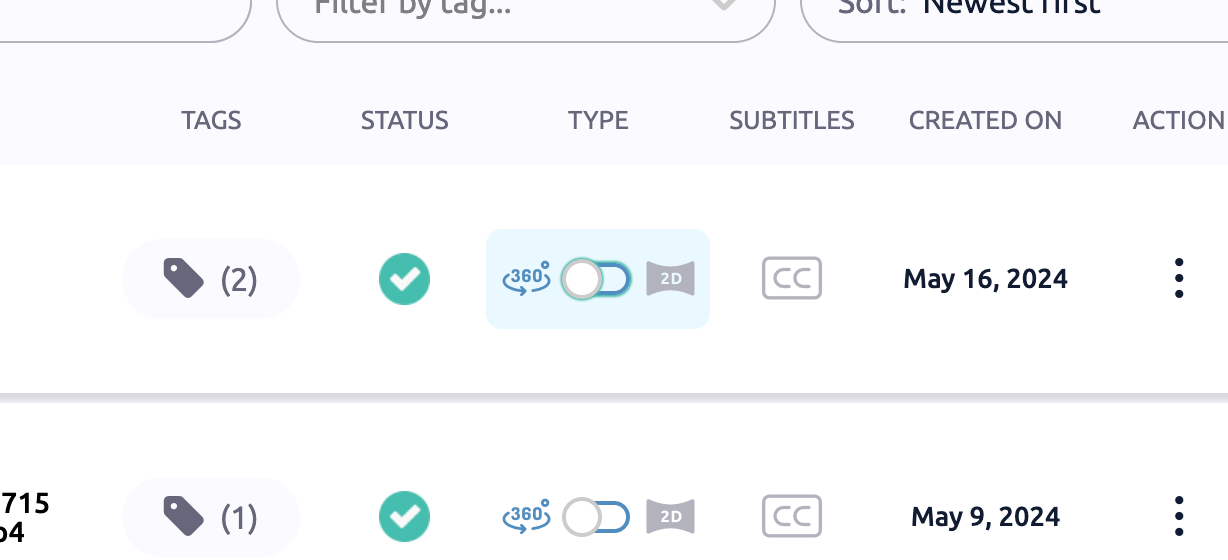
Step 3: Save the changes. If necessary, revert to the previous setting.
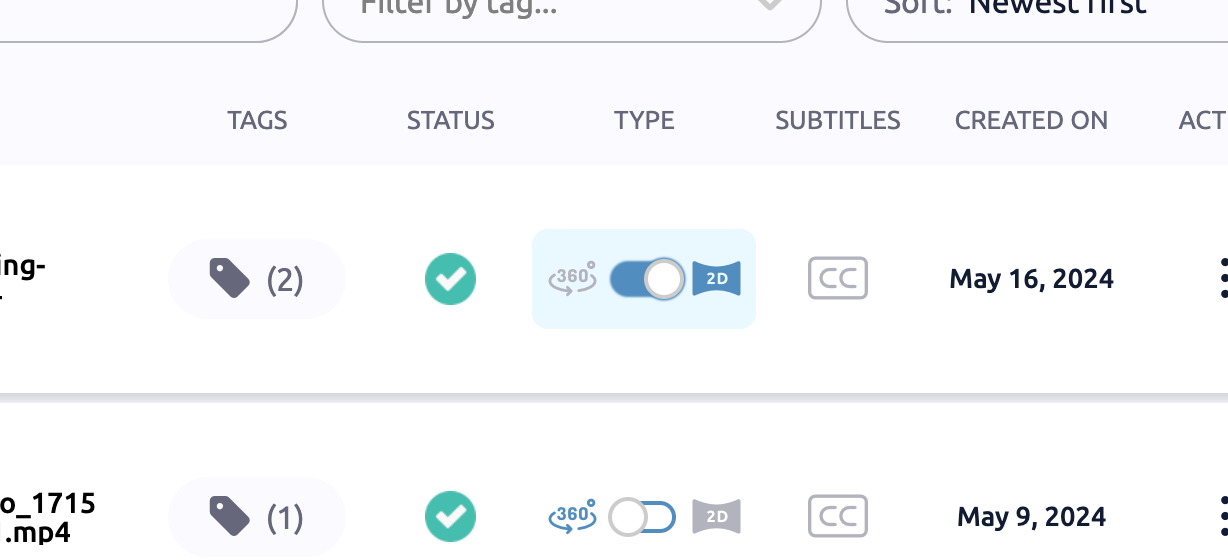
And that's it! The video type has been successfully updated.