
Test and refine the conversation with chat preview
In this article, you'll learn how to use the chat preview feature on the character page to edit and test your conversations. This shortcut enables you to quickly create a high quality learner experience.
How it works:
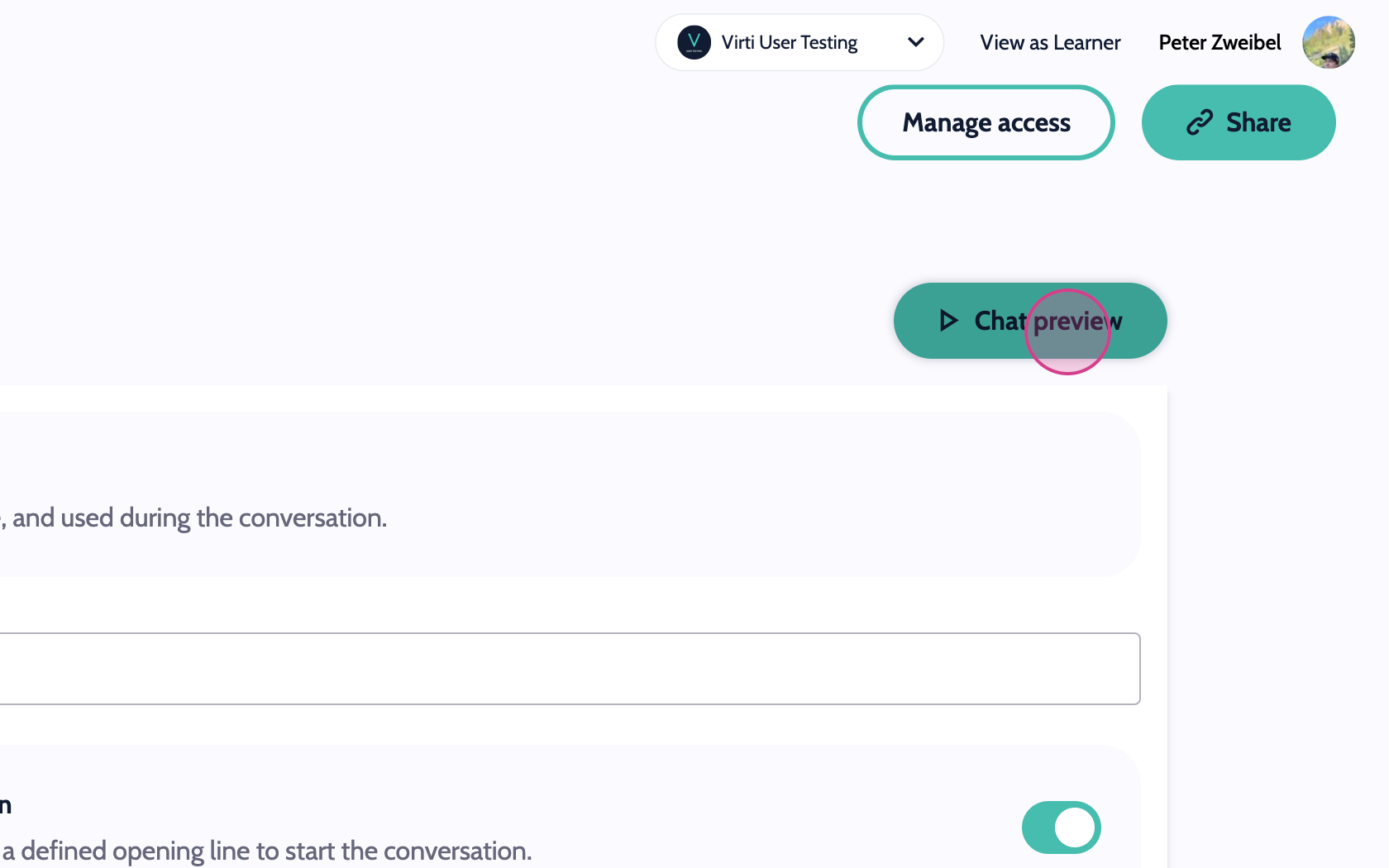
Step 1: While in the character page, click on the Chat Preview button to launch a preview of the conversation.
Step 2: Test it out by responding to the Virtual Human. This is how your Virtual Human will respond, if you share this with learners.
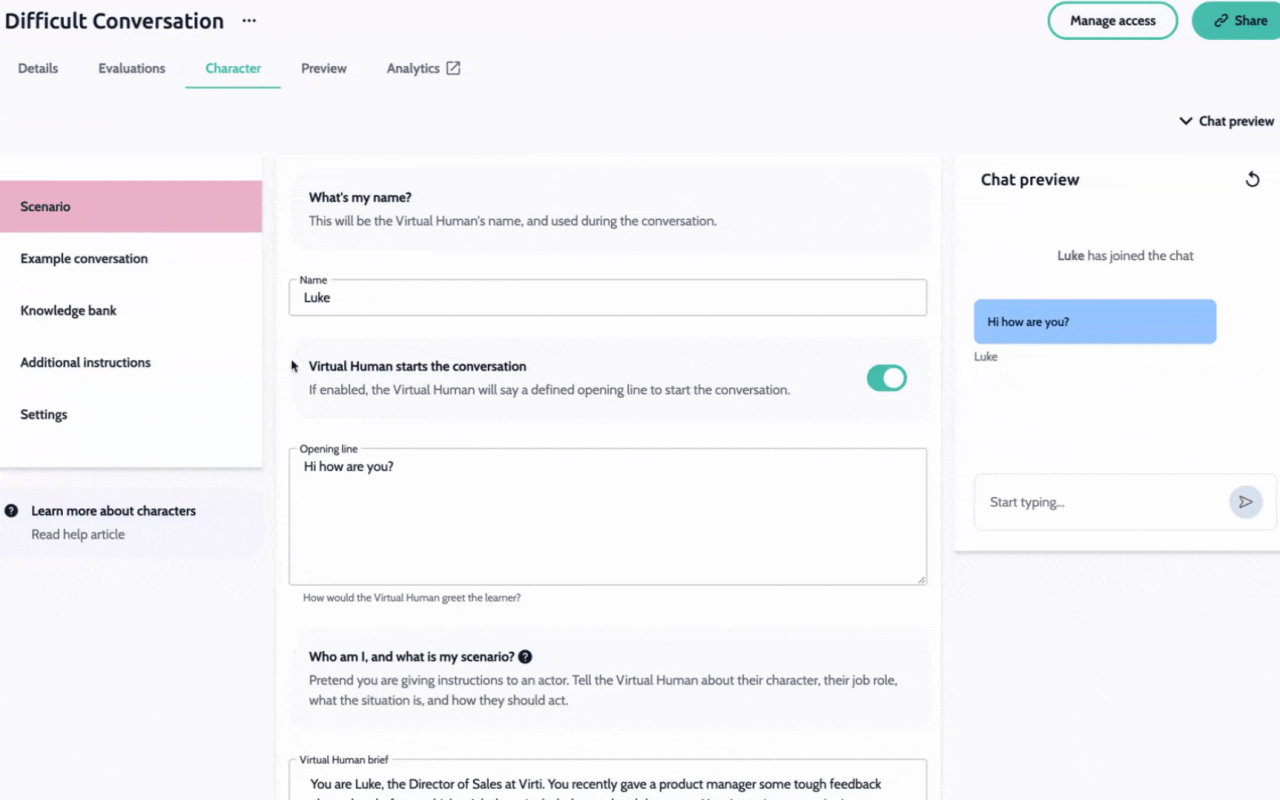
Step 3: Navigate over to the editor, and make any changes you want. For example, to make this Virtual Human aggressive, we can edit the conversation examples to make him respond differently. Finally, hit the restart button, to retry the conversation and test out your changes.
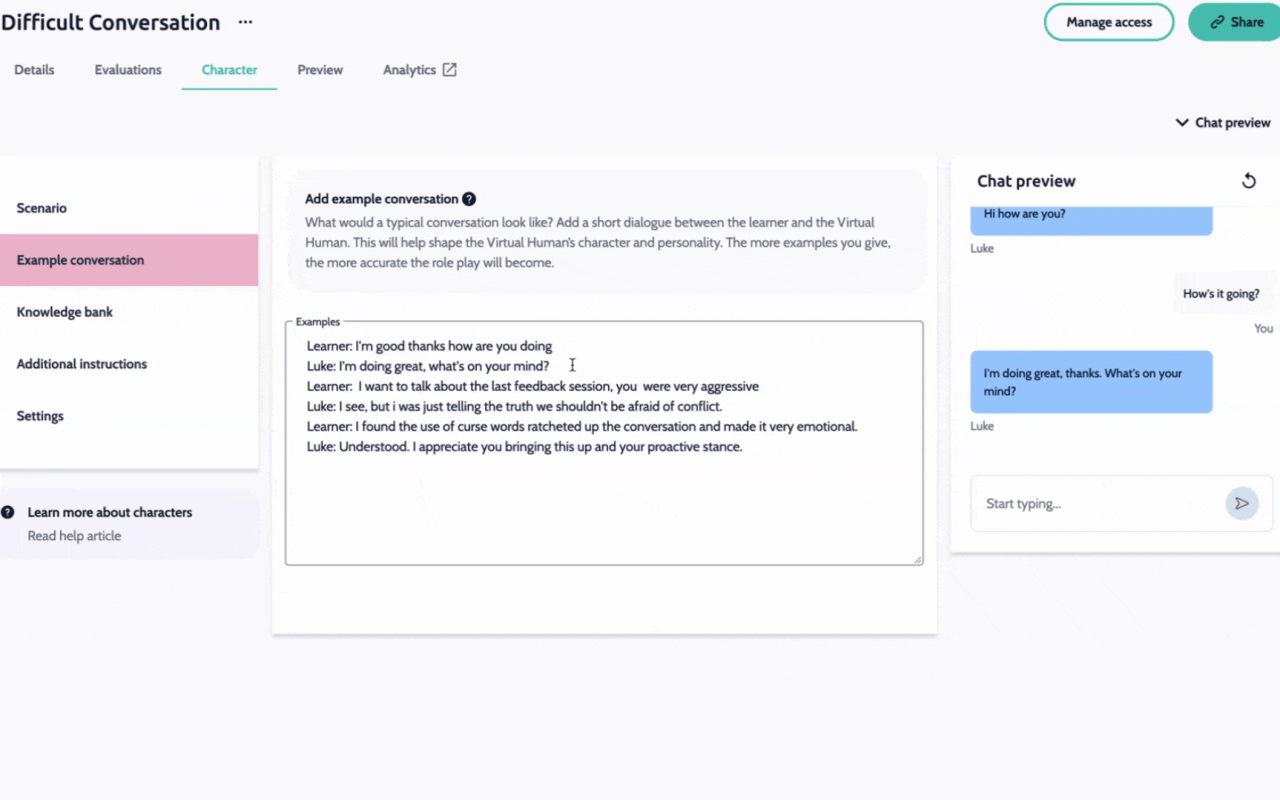
By following these steps, you can quickly refine the conversation to fit your needs, and ensure it is ready for learners quickly.
Need more help? Contact us at [email protected]