
This feature is enabled through the use of a hotspot.
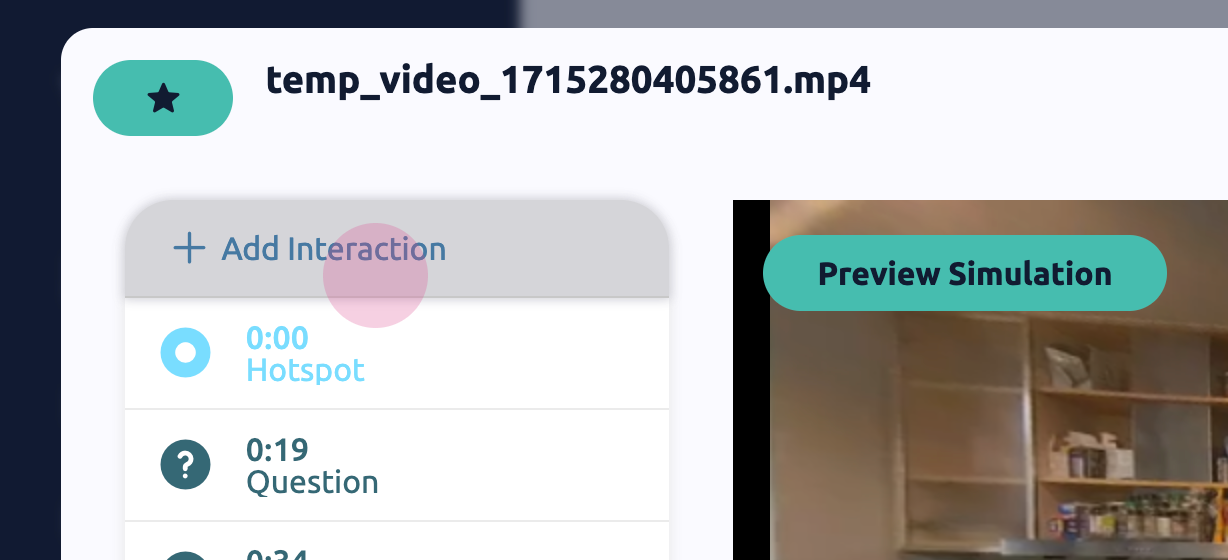
Start by adding an interaction to the hotspot:
Step 1: Add an interaction to the hotspot.
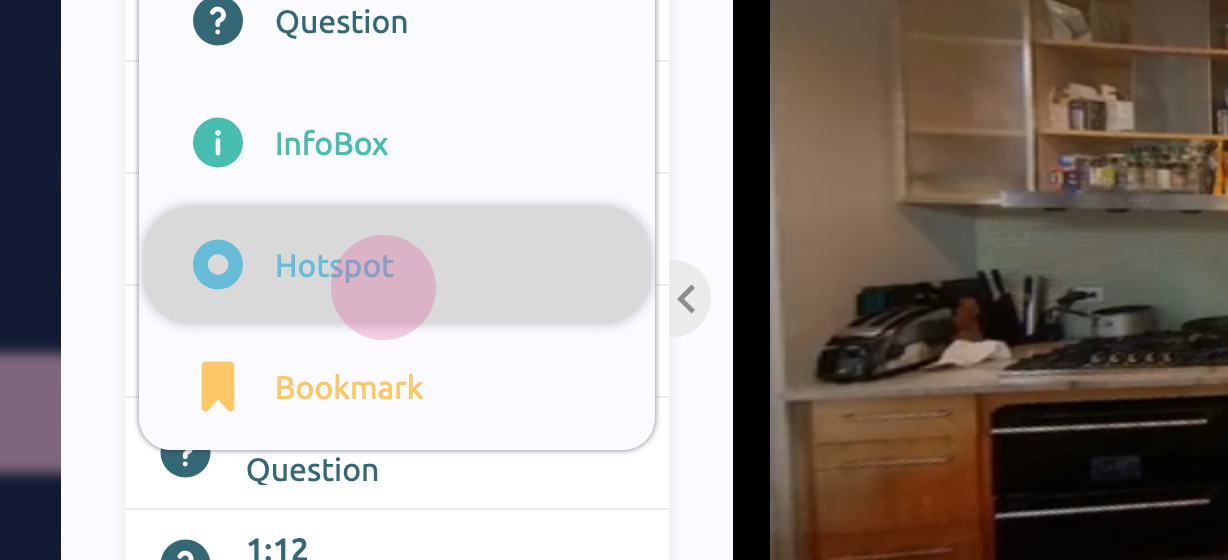
Step 2: Select the hotspot and click on it to edit.
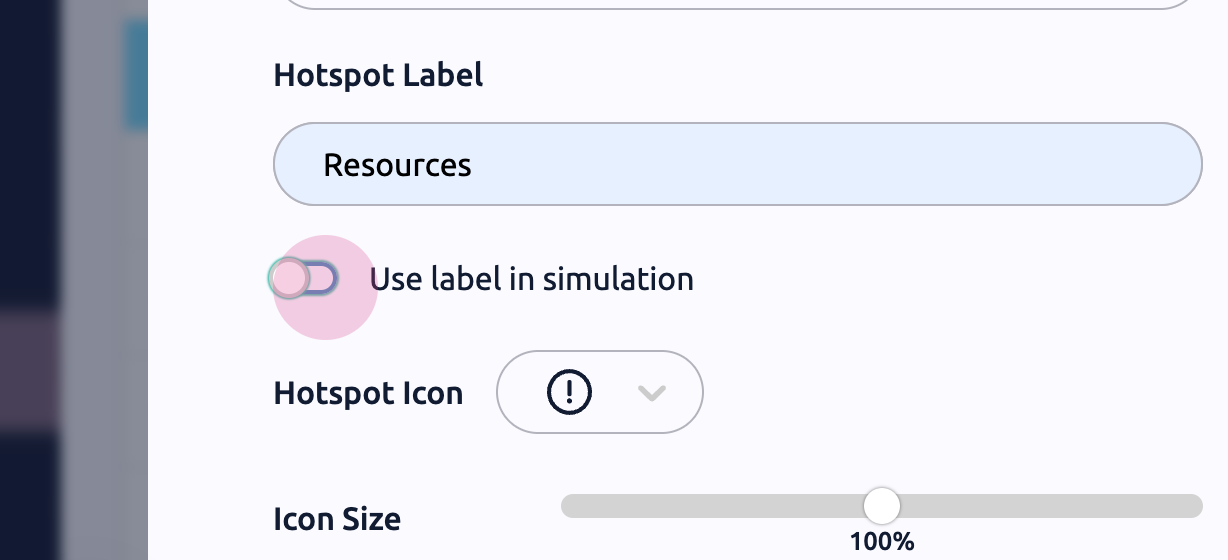
Next, label the interaction:
Step 1: Type a suitable description in the label field.
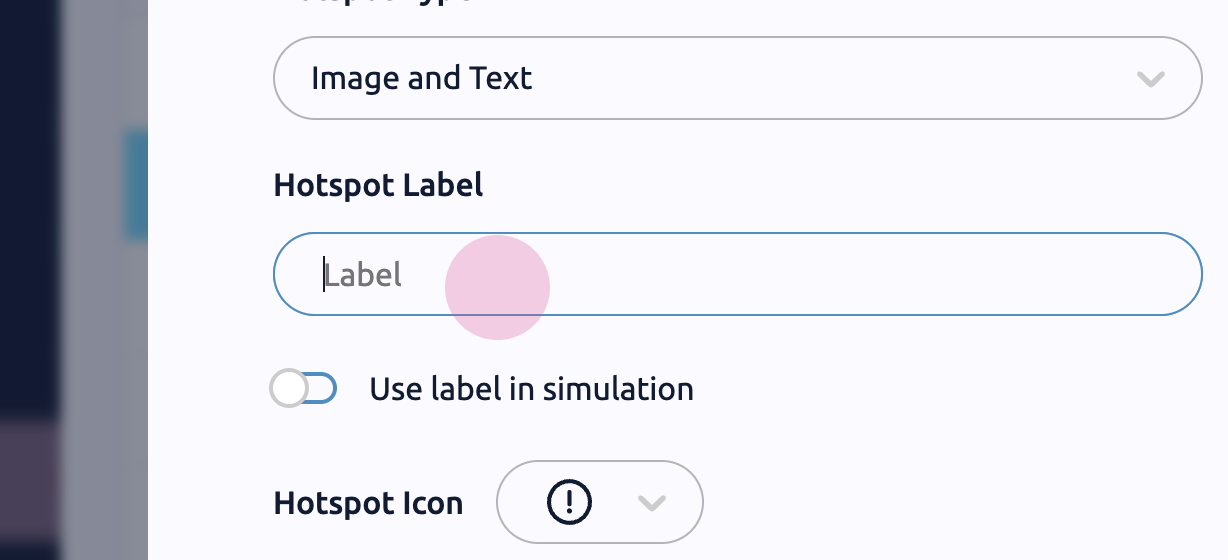
Step 2: Click on 'Use label in simulation'.
After saving, the interaction preview becomes visible:
Step 1: Save the changes.
Step 2: Hover over the hotspot to view the label. This straightforward method allows learners to preview their tasks before starting.