
Getting performance feedback
This guide explains how to hit objectives and get feedback on your performance as a learner.
Virtual Humans allow you to safely practice your communication skills. The key to training and learning is to evaluate your performance and get feedback, so you can understand what you do well, and where you could improve. Below, we'll show you how your performance will be evaluated, and how you can get helpful feedback on your interaction with the Virtual Human.
Navigating the conversation
To begin your Virtual Human, start by reading the scenario description. This will provide you with the context and goals of the training scenario, so you can understand how to approach the conversation.
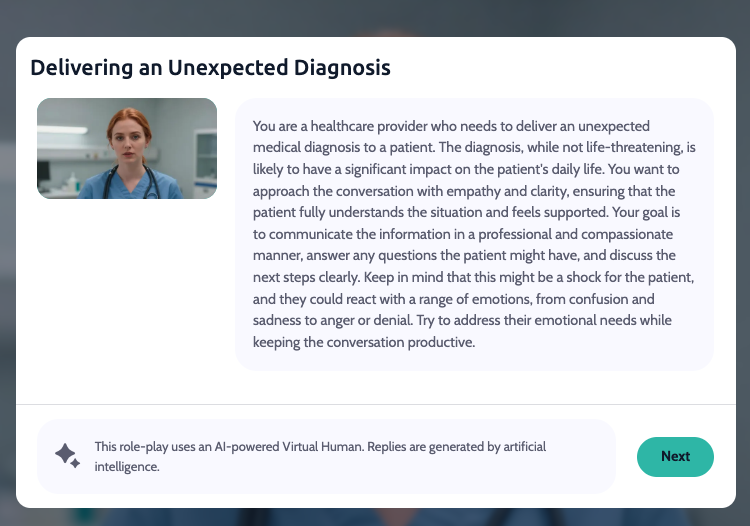
In most scenarios, you will have specific objectives that you are trying to hit, which you can see in the top left of the screen. Select the green bar to reveal how many objectives there are in your scenario.
Your trainer will define a range of acceptable responses that will be accepted to achieve each objective. When your response hits an objective, you will see a green checkmark appear, and the objective will get crossed off.
Getting your performance report
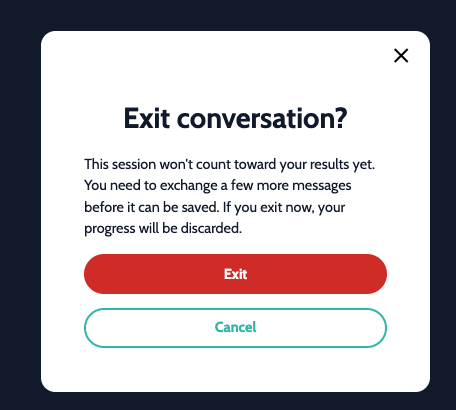
When you've finished your conversation, select Exit to end the session. Your performance report is generated automatically as soon as you do — no extra step needed.
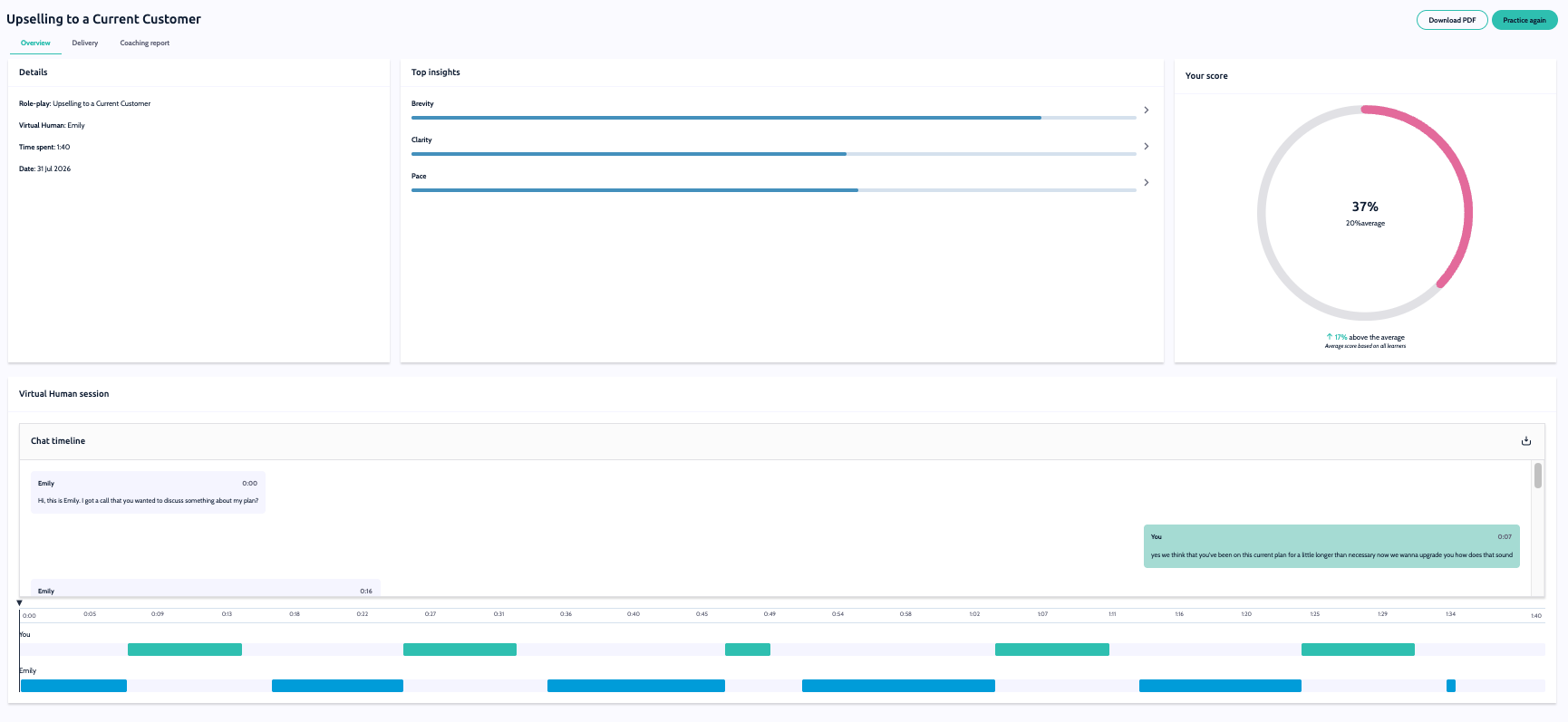
Alongside your overall score, time taken, and a breakdown of which objectives you hit, you'll now also see:
Clarity — how clearly you communicated.
Pace — how quickly you spoke.
Sentence length — the average length of your responses.
Speaking turns — how many times you spoke during the conversation.
Longest monologue — the longest single response you gave.
A new timeline view also lets you review your chat log in context alongside these metrics, so you can see exactly how the conversation unfolded.
Don't worry if you didn't hit all of the objectives, this analyzes the entire conversation, generates a summary of your interaction, gives you a rating based on the objectives, and provides feedback on how you did and what you could have done better.
Nice work — hopefully you've learned a thing or two about how you could improve. We encourage you to try again to truly hone your communication skills.
Note: The new metrics and timeline view are only available for newly completed sessions — they won't appear on sessions completed before this update.
Need more help? Contact [email protected]