How to reset your password.
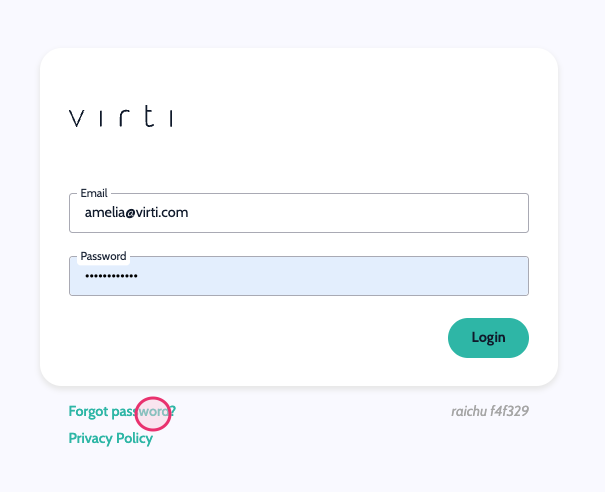
If you've forgotten your password, you can reset it by selecting "Forgot Password" on the Log-In:
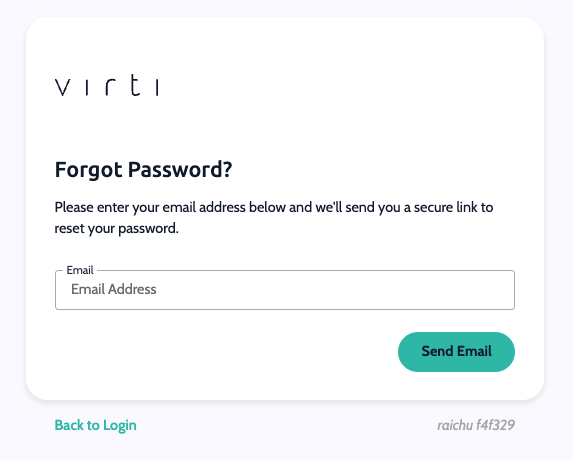
Then you can enter your Email, and a link to reset will be sent to your inbox, allowing you to change to a new password easily.
If you remember your password and wish to change it, you can do so simply by:
Selecting your profile portrait on the top right of the screen.
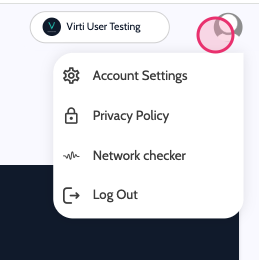
Then select "Account Settings" from the drop-down menu.
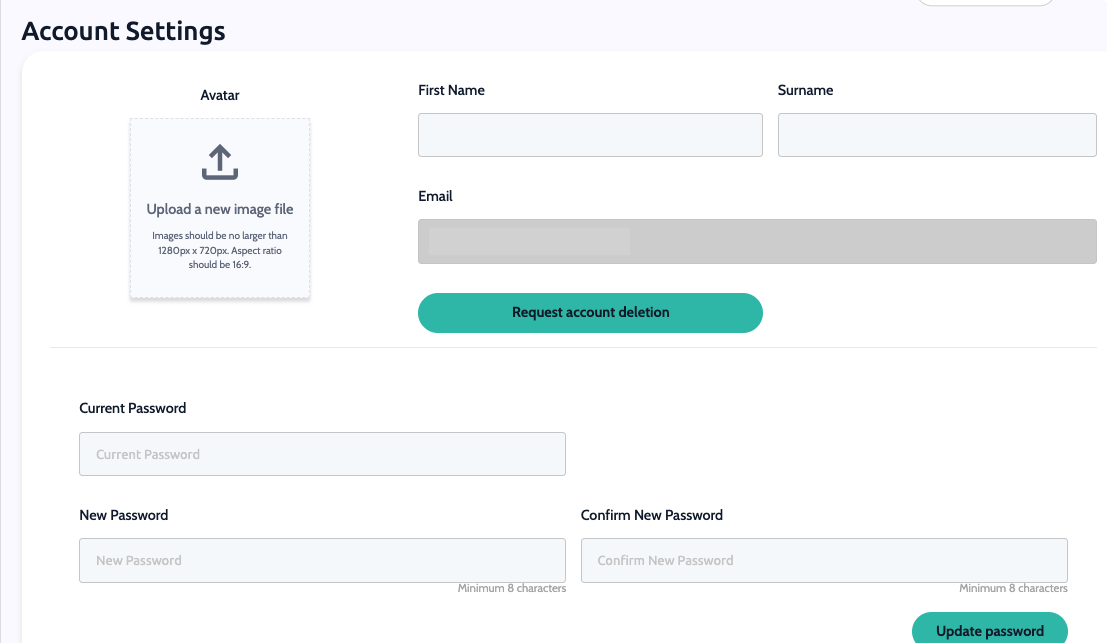
Once looking into your Account Settings, you can enter a new password at the bottom, confirm it, and change it to your new choice:
If a teammate from your workspace is locked out of their account due to too many failed email/password login attempts or is unable to reset it via the Virti app, an admin user can reset it for them using the following steps:
Navigate to the "Users" Tab
Go to the "Users" tab in the admin panel.
Locate and select the user who needs their password reset.
Enter the New Password
Scroll down to the bottom of the user's profile page.
Enter the new password in the designated field.
Confirm the new password by entering it again in the adjacent box.
Update the Password
Click the 'Update user password' button.
A pop-up should appear confirming that the password has been updated successfully.
By following these steps, you can easily reset a user's password, allowing them to regain access to their account. If you encounter any issues during this process, please contact Virti support for further assistance.
If you are still experiencing issues resetting your password, contact our support team via [email protected] and we’ll be happy to help.
Need more help? Get support from our Virti Support Team via [email protected]
