You can find the 'Export' option under the Session Logs tab of your created content. Here, you will have the option to export the scoring summary or detailed event reports in csv format.
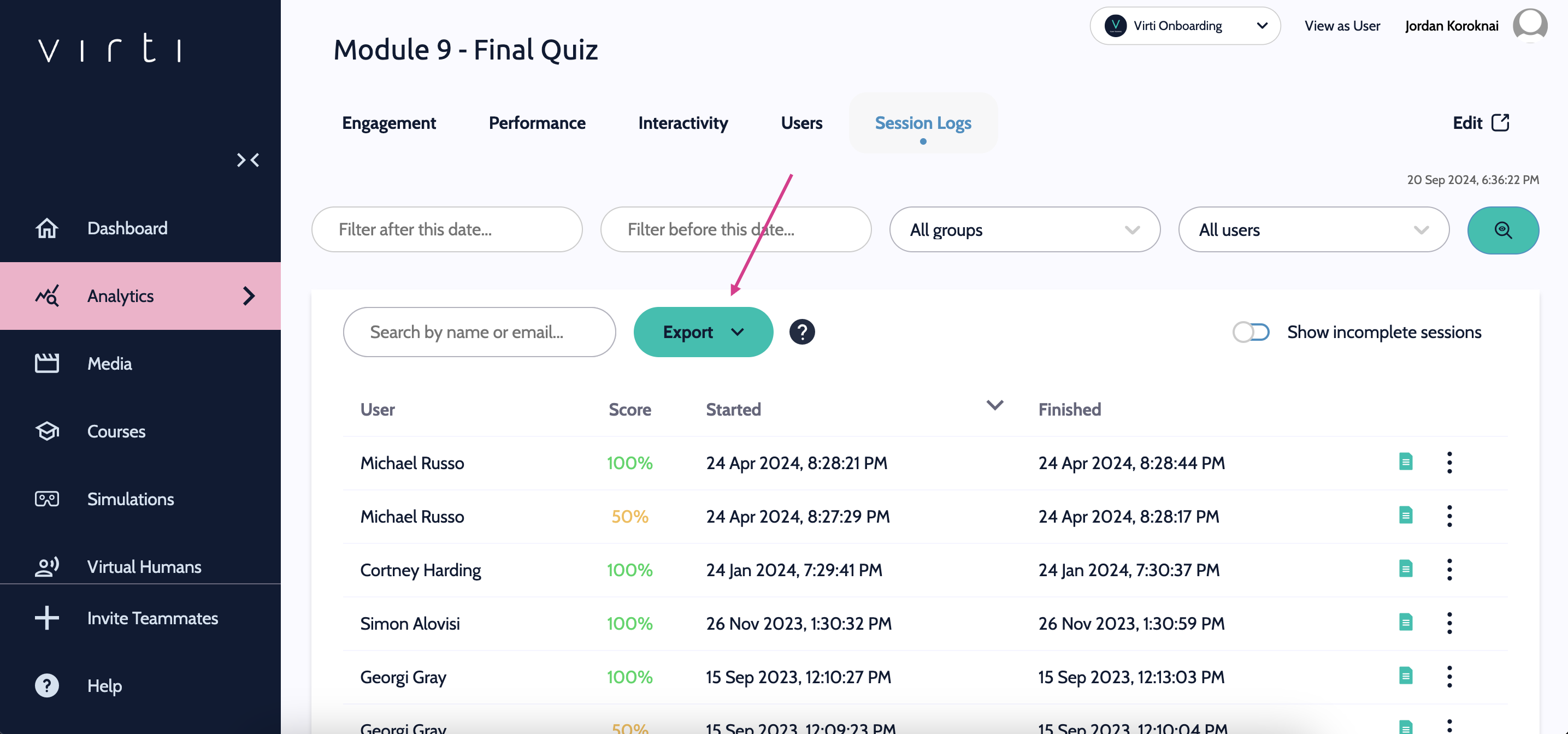
You can find out what data is exported in the tables below.
Column name | Description |
Submitted | Timestamp when session was attempted |
Time spent | Time spent in session (seconds) |
Finished | True=1, False=0 |
User Group | The user group that is allowed to view the content |
Member ID | Unique member ID |
Email address associated with session | |
Name | User’s name |
<Question> | Question in session |
Option (Choice selected) | The answer selected for the question |
Points | Points awarded |
Time taken | Time taken to answer question |
Average time | Average time to answer all questions |
Total score | Total score awarded for all questions |
Score % | Total score as a percentage |
Attempt | Number of times session attempted |
Column name | Description |
Submission ID | Unique submission ID |
User group | The user group that is allowed to view the content |
Member ID | Unique member ID |
Email address associated with event | |
Created | Timestamp of when the event was created |
Video | Video file name |
Time elapsed | Time between database records created |
(Time) | Timestamp of the current video the user is watching |
(TimeSpent) | Time spent inside the player |
Type | Event name |
Event type | Name of event type |
Event title | Name given to event |
Option | Option selected |
Time taken | Time taken to select option |
Time limit | Total time allocated to select option |
Correct | True=1, False=0 |
