This guide provides a walkthrough on customizing actions within a virtual human environment and curating a library of actions for all virtual humans.
Start by navigating to the virtual humans and selecting the desired virtual human.
Step 1: Navigate to Virtual Humans and select the virtual human to customize.
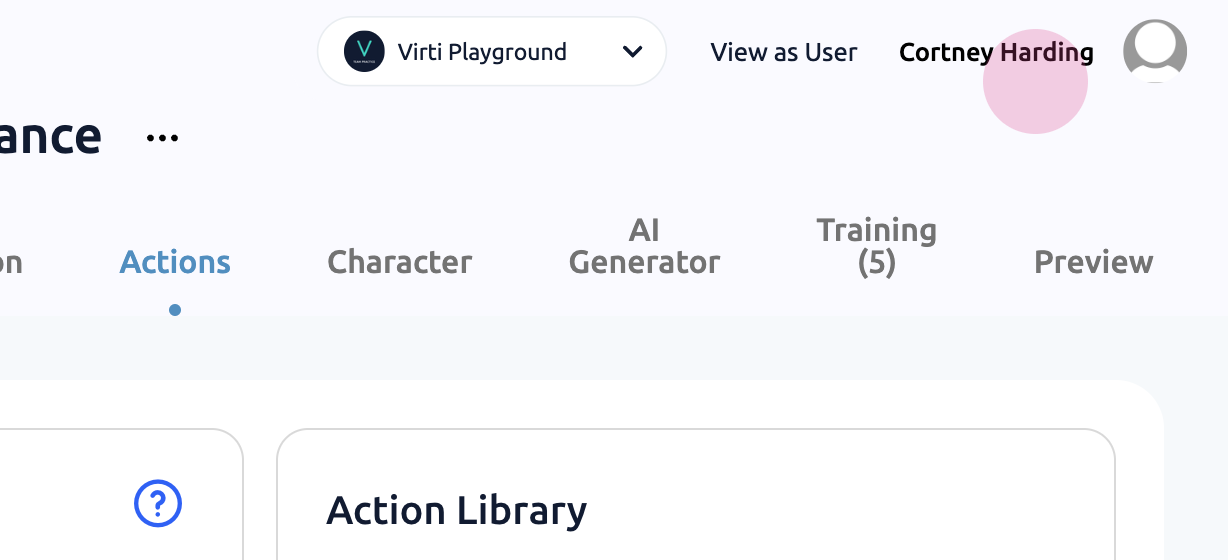
Step 2: Click on Actions.
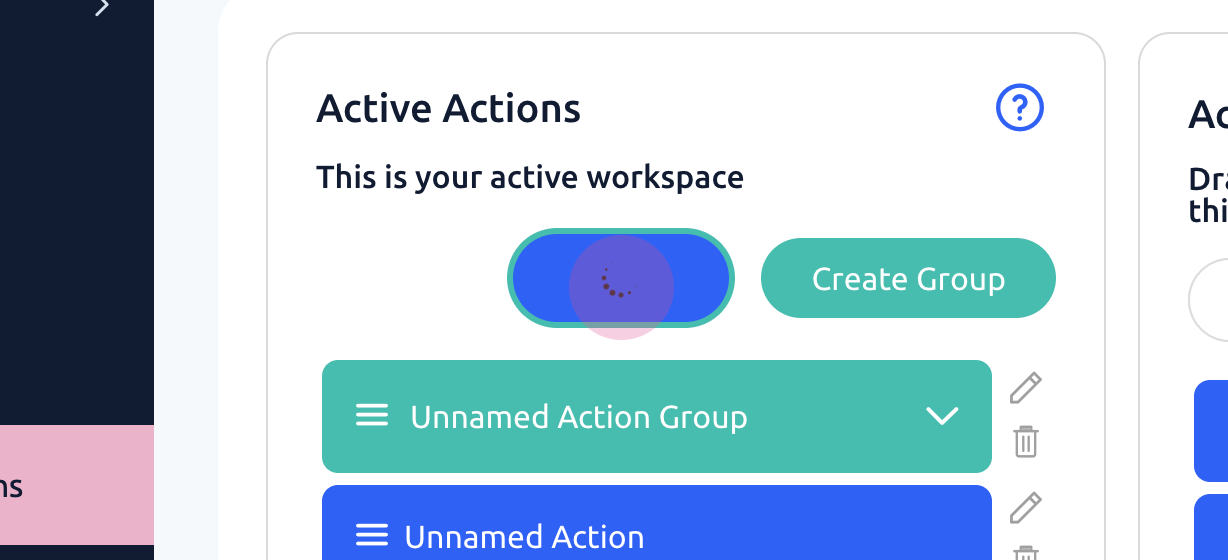
Next, create a new group for a set of actions or customize an existing action.
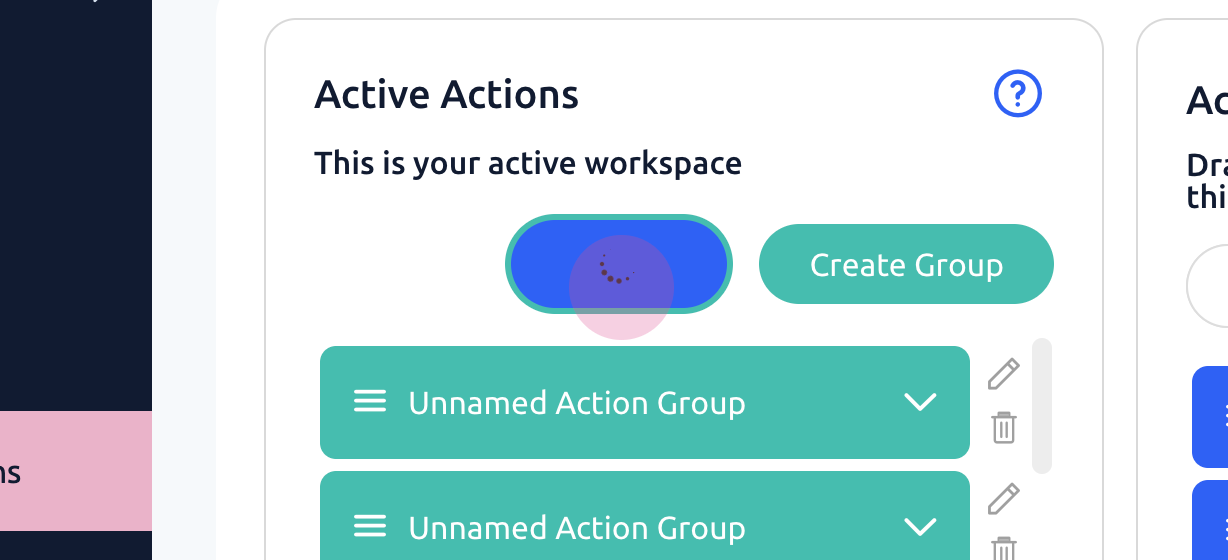
Step 3: Click on Create Action or Create Group to customize actions.
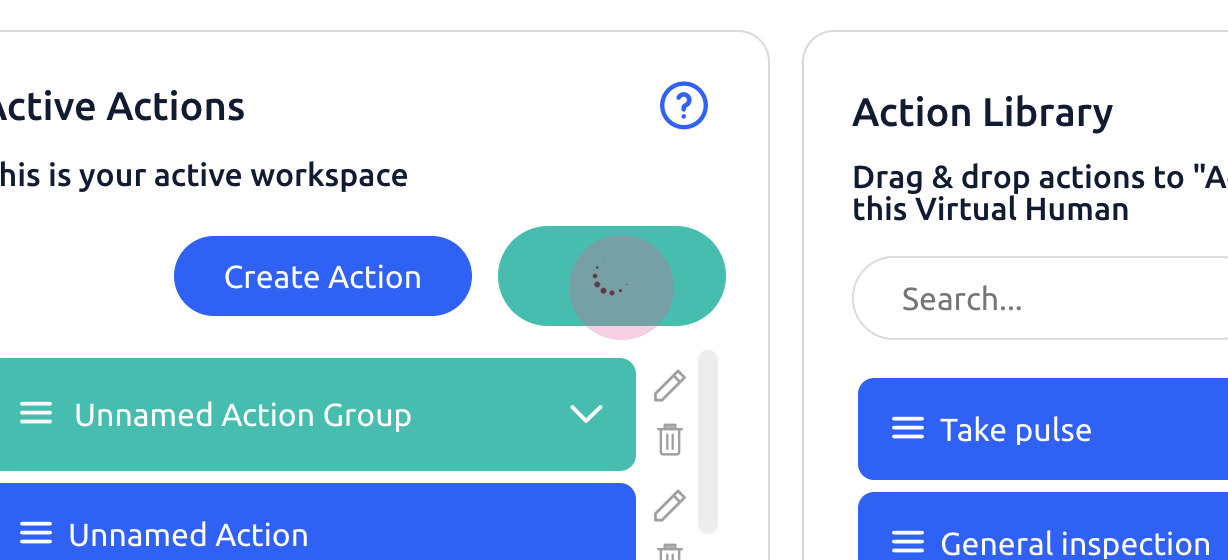
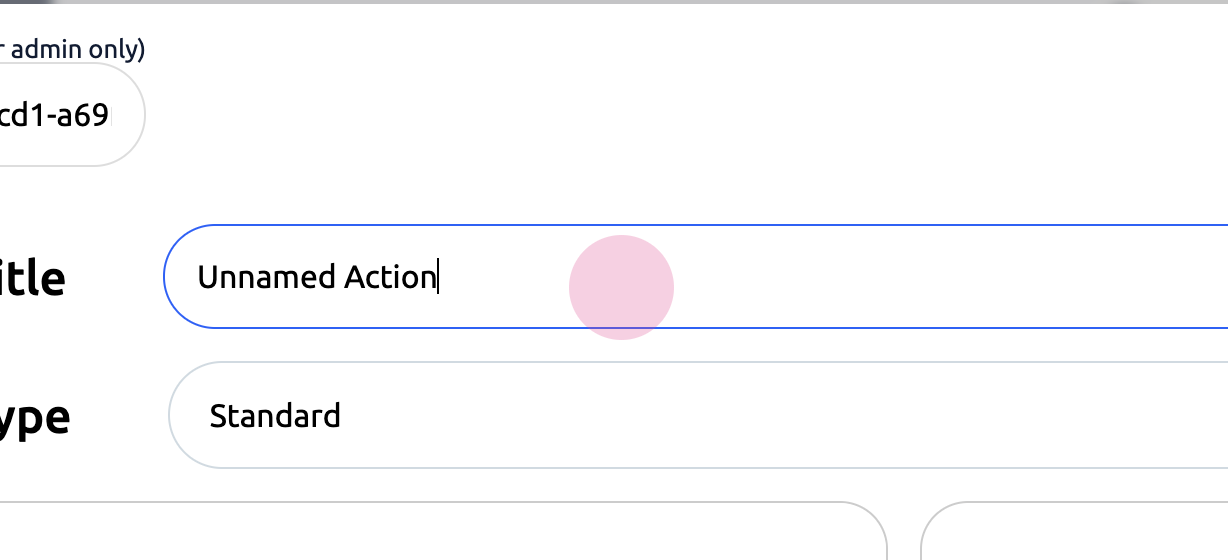
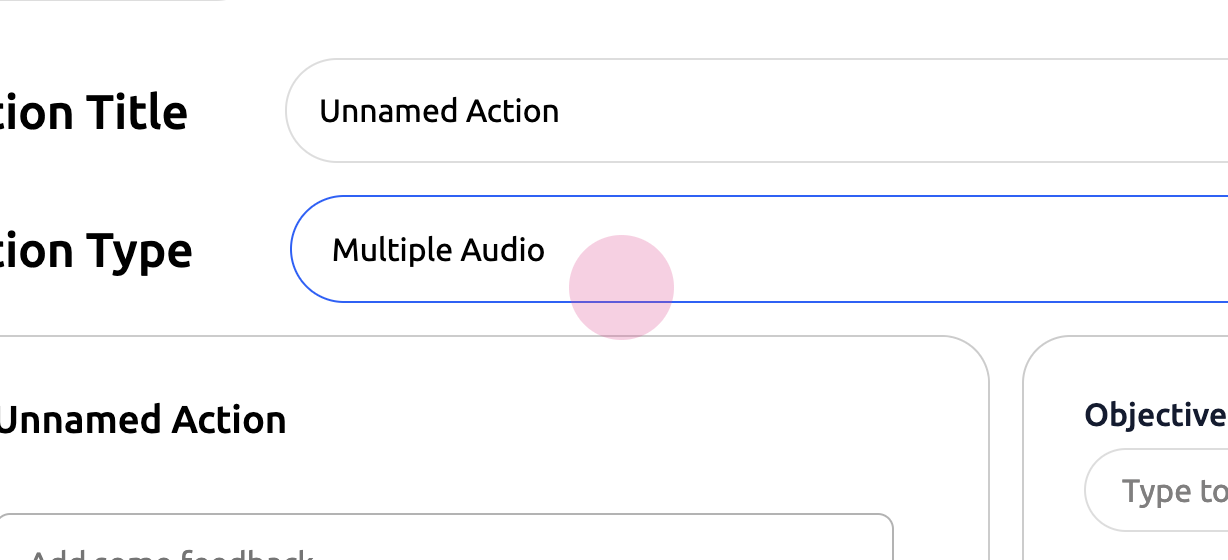
Different types of actions can be created, each requiring a title and a type.
Step 4: Give the action a title and select a type.
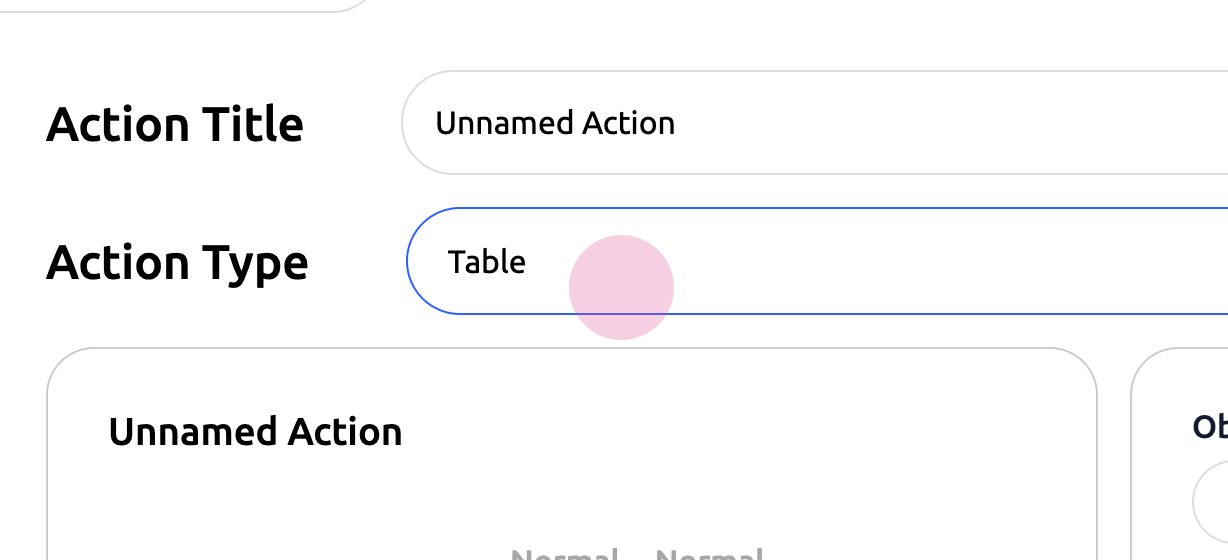
A table can be thought of as a lab workup, allowing customization of various types of tests.
Step 5: Customize tests using the Table option.
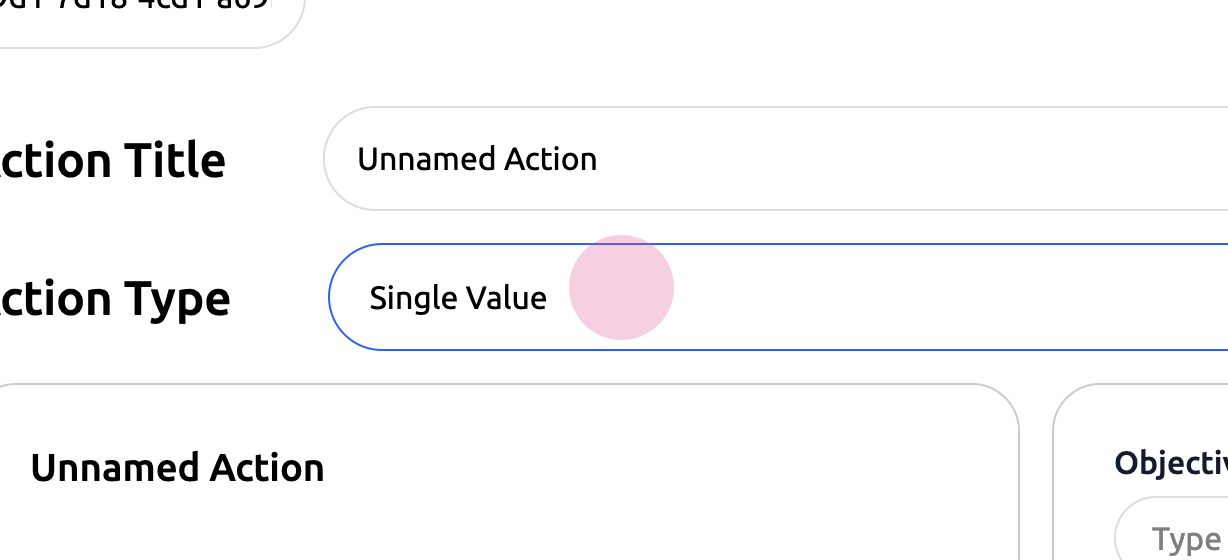
The single value is similar to the table but is only for one test. Additionally, multiple types of audio and image files can be added.
Step 6: Use the Single Value option for one test. Add multiple types of audio and image files.
Finally, save the actions to have a fully customized virtual human.
Step 7: Save the actions.
This method offers a great way to further customize virtual humans.
