How to easily create a Virtual Human with artificial intelligence (AI) in Virti.
It doesn't take long to create a Virtual Human with AI.
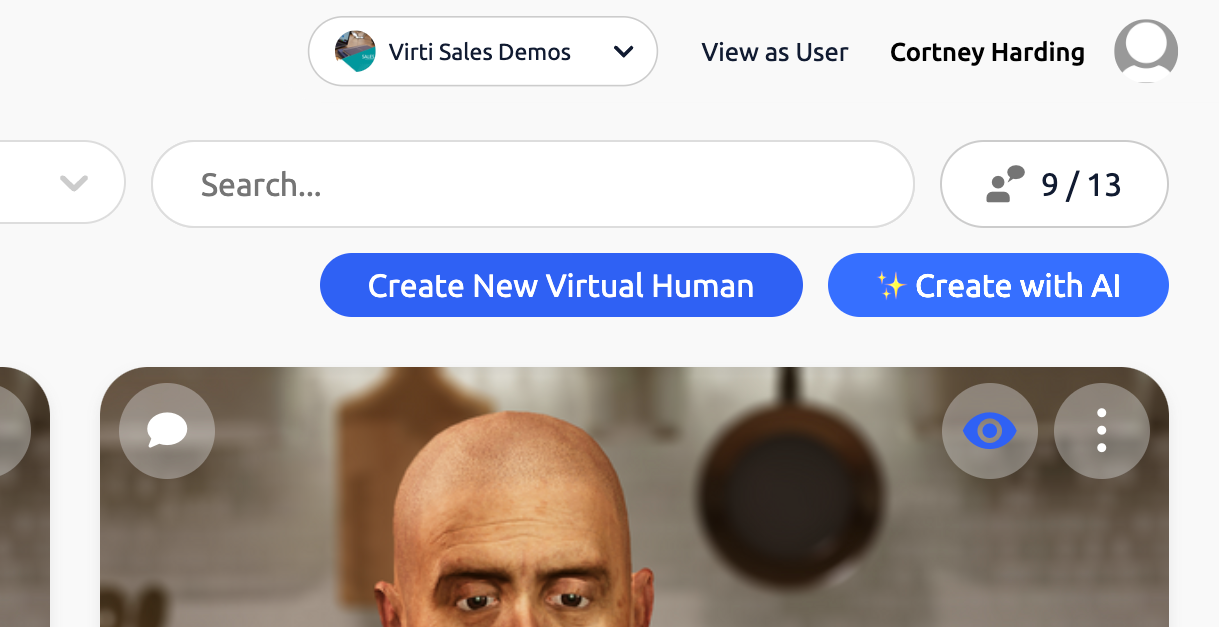
First, go to Virtual Humans by navigating to the sidebar and selecting the Virtual Human icon. This displays all the Virtual Humans in your platform.
Next, click on Create with AI to start the process of creating a new Virtual Human.
Select the location and language preferences
Assign a role to the virtual human and user/learner
Describe the learning scenario you want to replicate and the goals you want to achieve
Provide more information about the Virtual Human including their name, interests, and personality. This gives the Virtual Human natural and interesting responses
You can upload supporting documents such as scripts, transcripts, or lesson plans for additional context.
Next, click Continue.
The platform provides sample scenarios such as sales, customer service, human resources, or medical empathy to guide the creation process.
Once you have generated the Virtual Human, it is recommended that you review and edit the scenario name, description, and objectives as needed. You can also add more details and context, and adjust the Virtual Human's personality traits using the sliders provided.
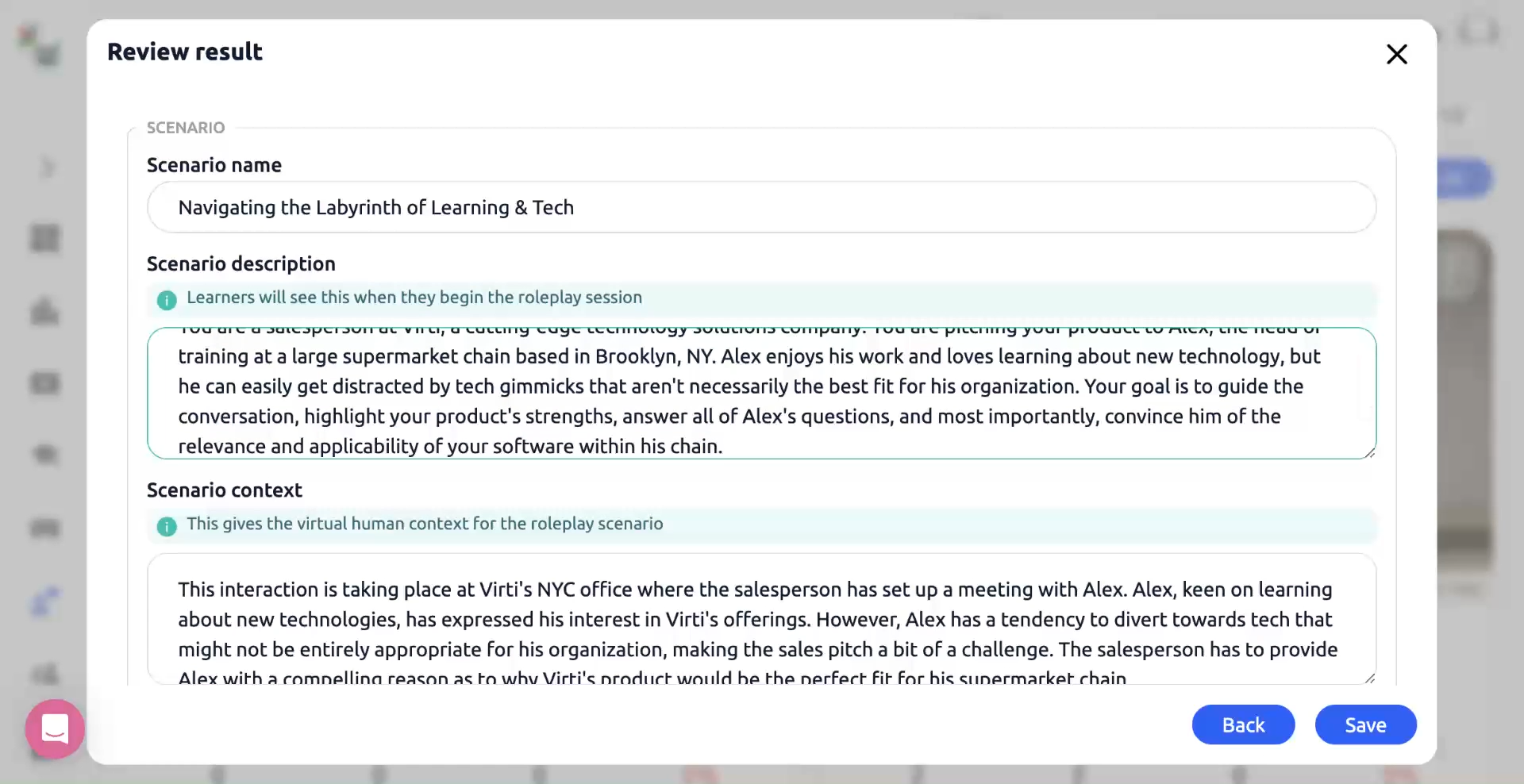
When you are happy with the Virtual Human, click Save.
Please note that this process may take a few minutes.
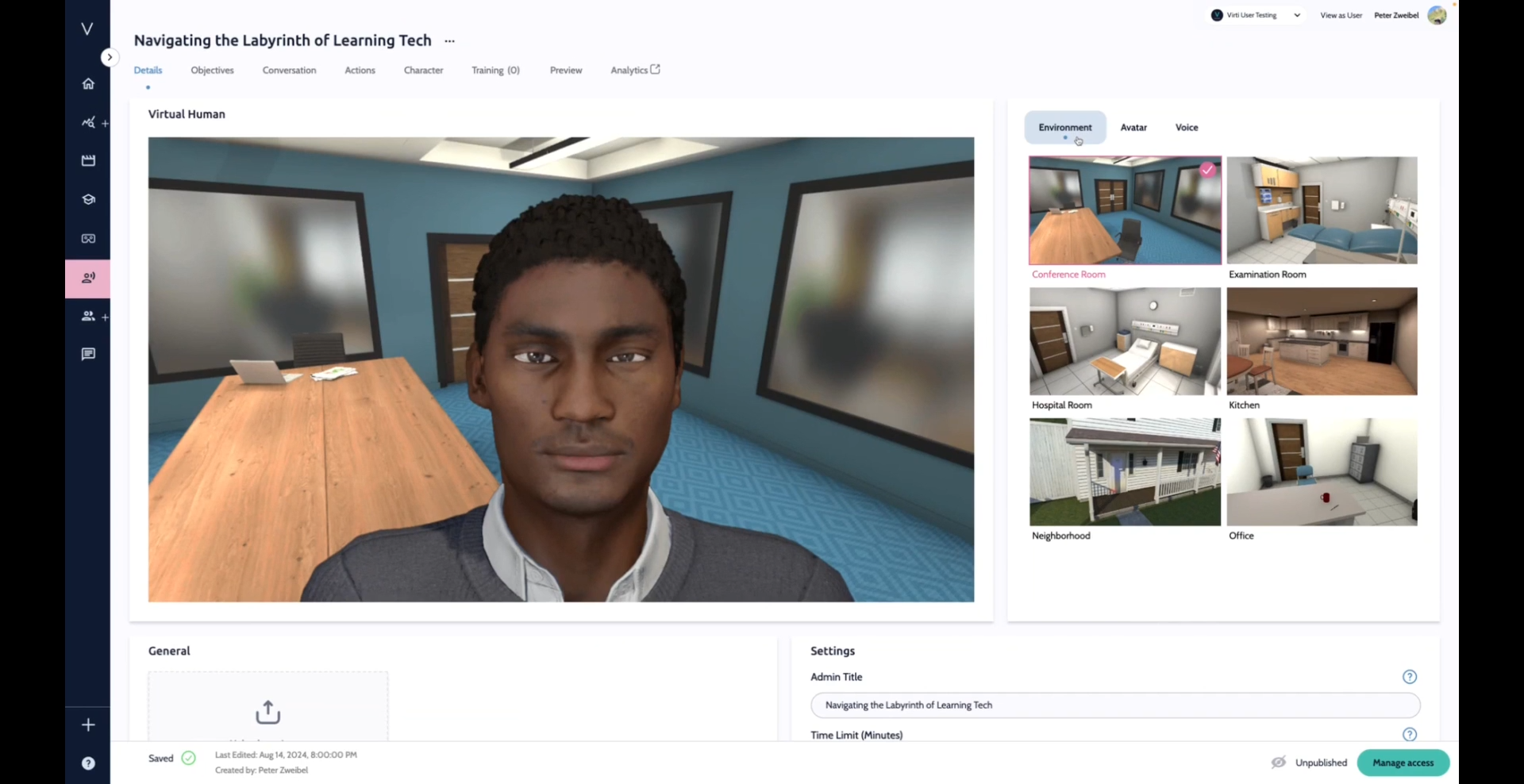
To customize the virtual environment, avatar, and voice of the Virtual Human, simply go to the Details tab.
If you want to structure and group objectives, click on the Objectives tab.
Alternatively, click on the Conversations tab to set conversational goals.
Once you're done with the configuration, click on Preview to start your virtual scenario role-play.
Need more help? Contact [email protected]
