After uploading and making simulations interactive, and possibly building some virtual humans, it's time to compile everything for learners.
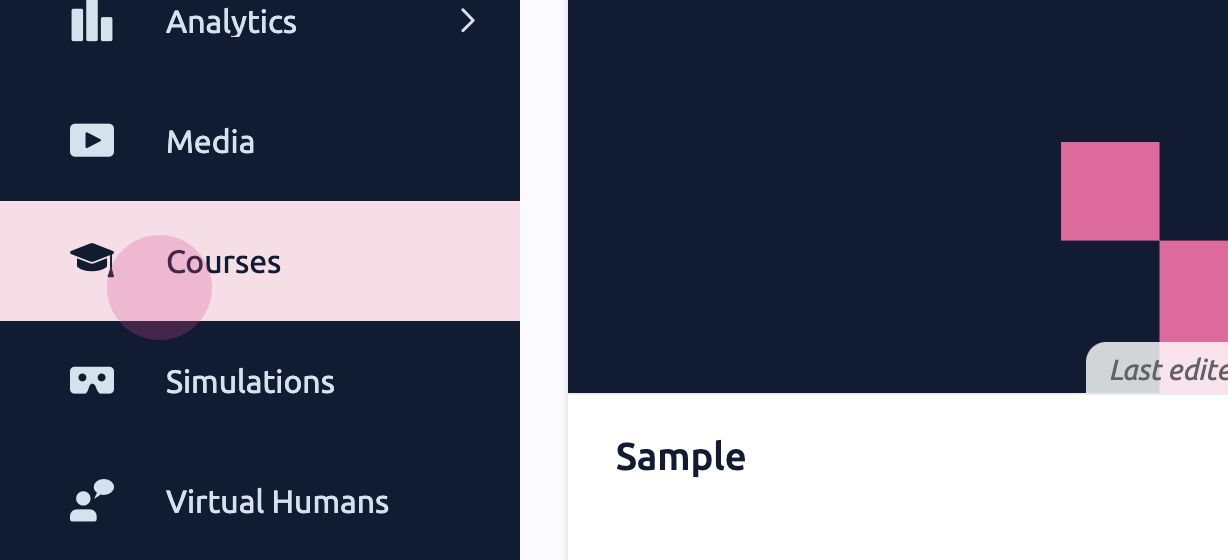
Step 1: Navigate to Courses and select Create a new course.
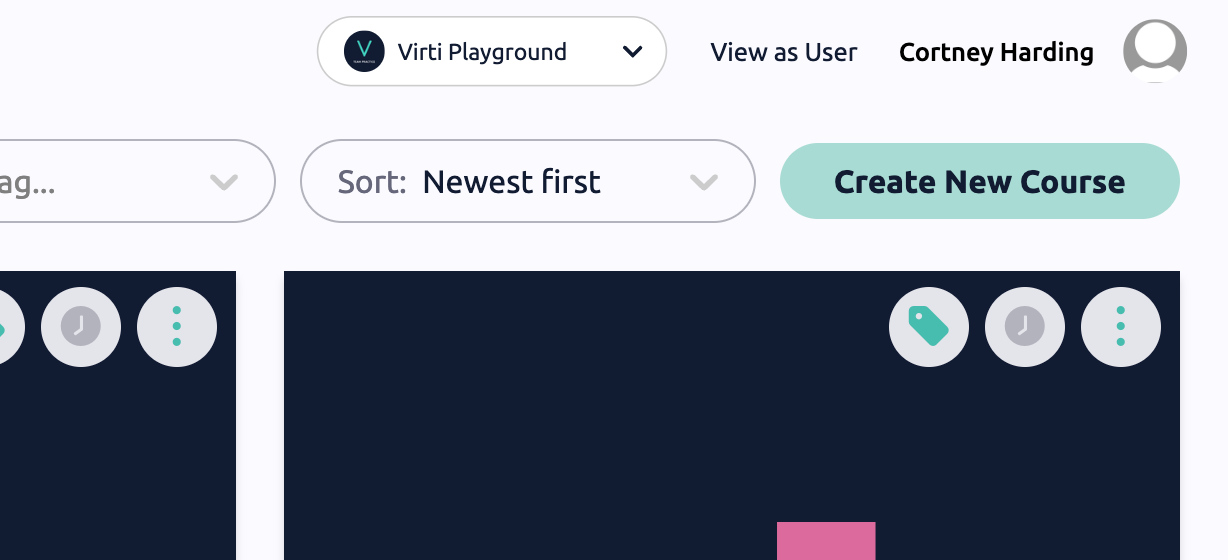
Step 2: Enter a title and description for the course.
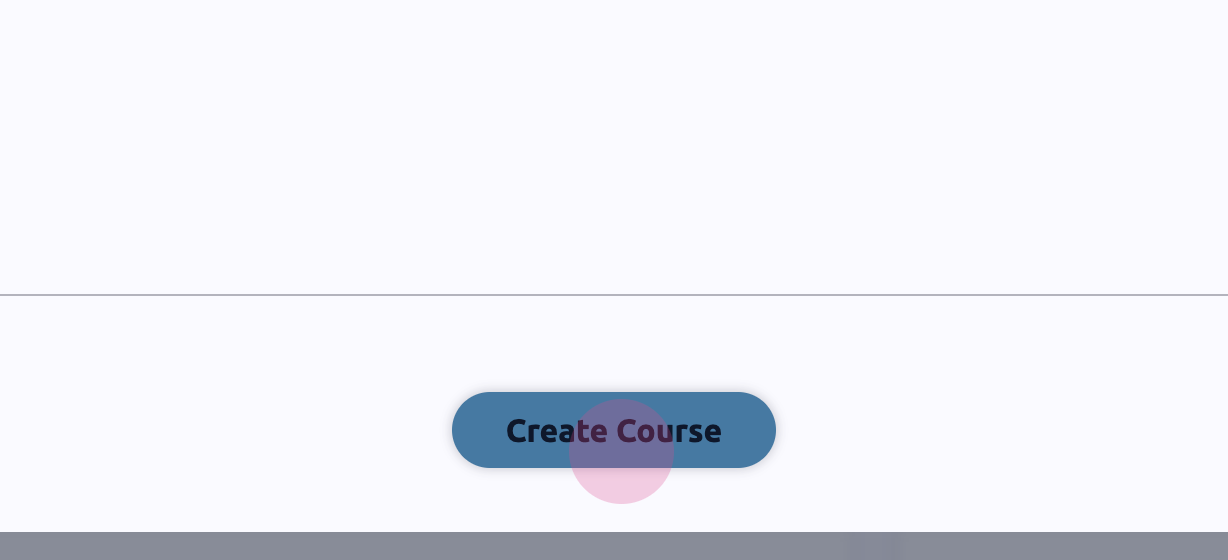
Step 3: Click Create course.
Customizing the Course
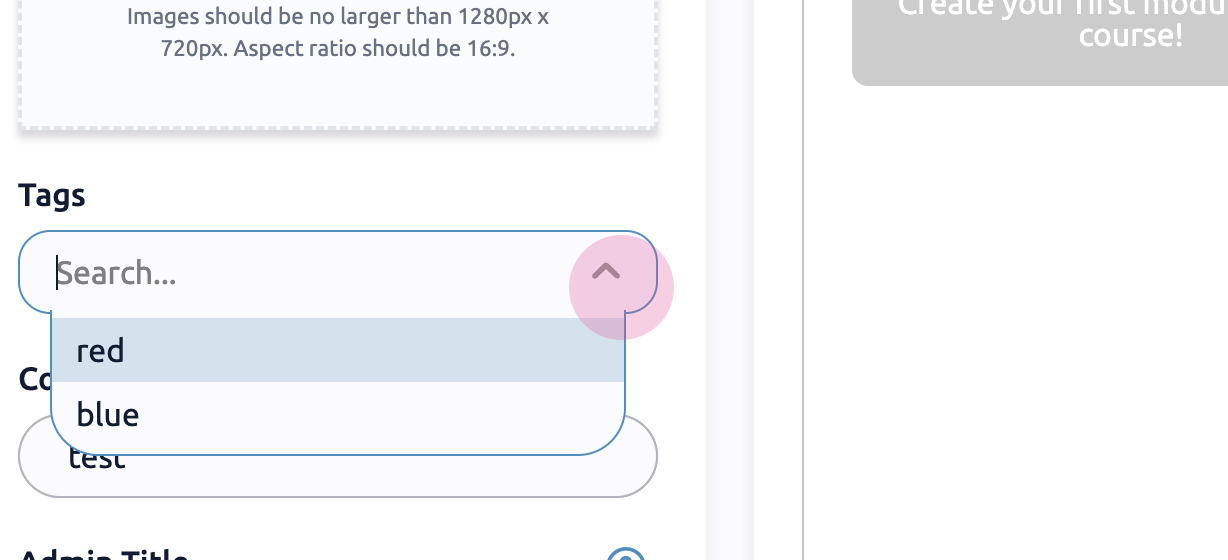
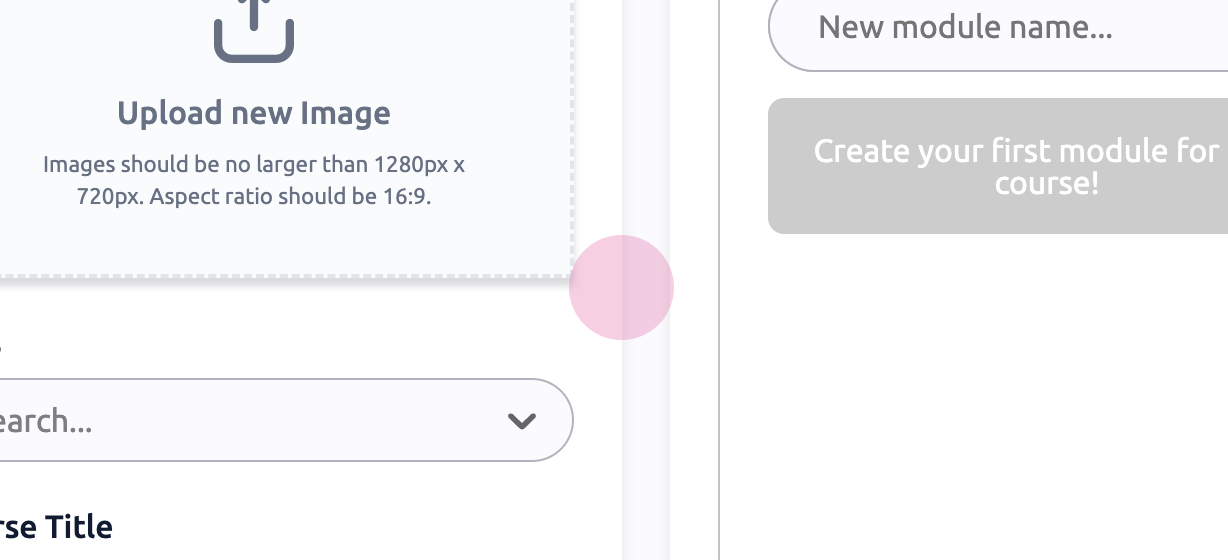
Step 4: Optionally, add a cover image, tags, and modify the title.
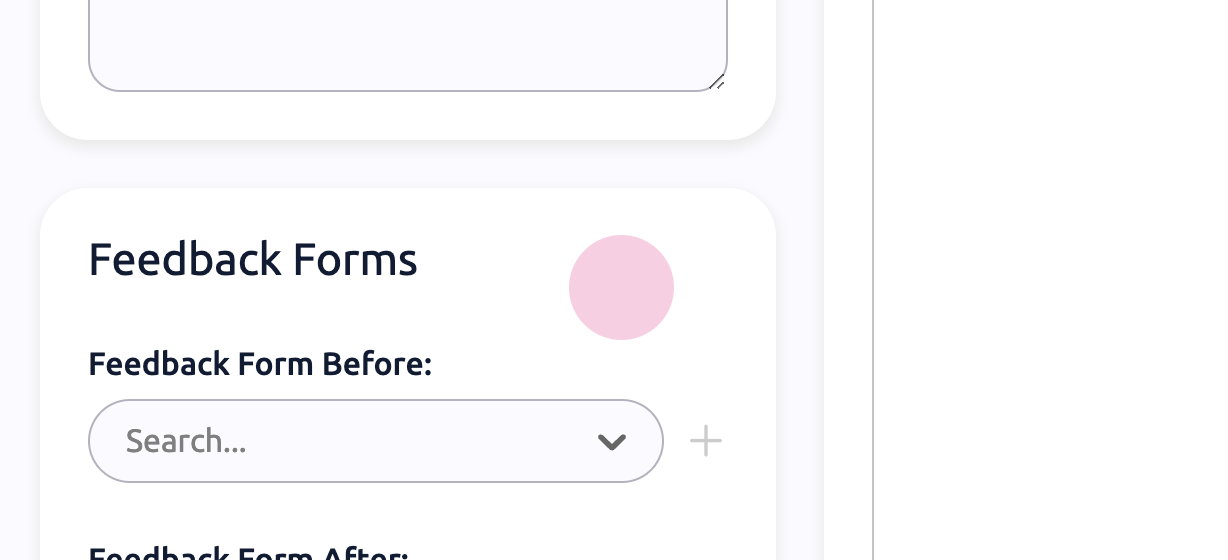
Step 5: Add more description if needed and incorporate feedback forms.
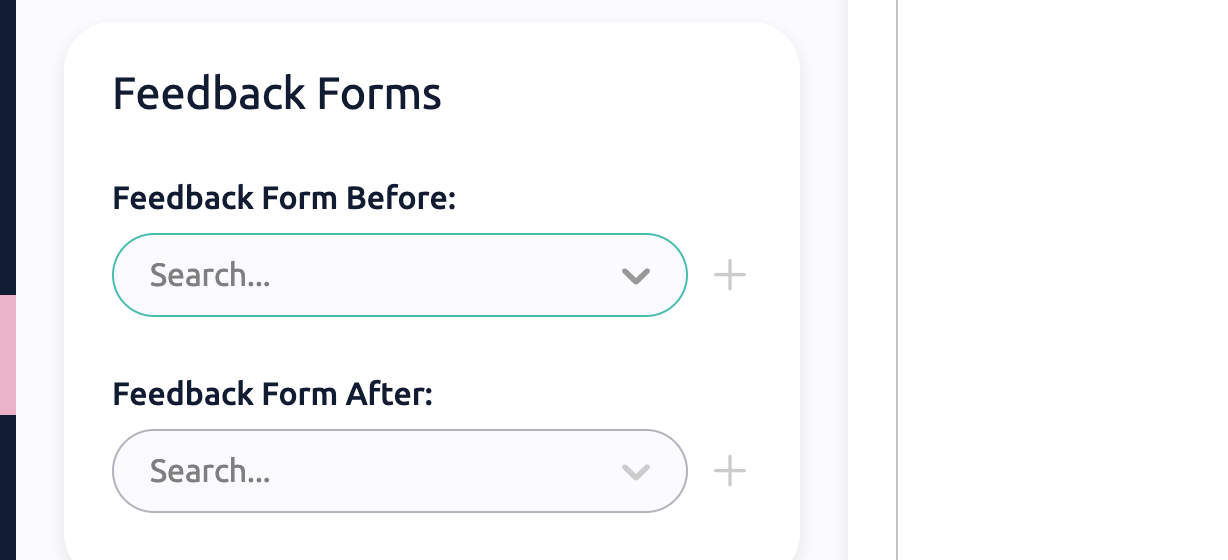
Feedback forms can appear at different points throughout the course.
Creating a Module
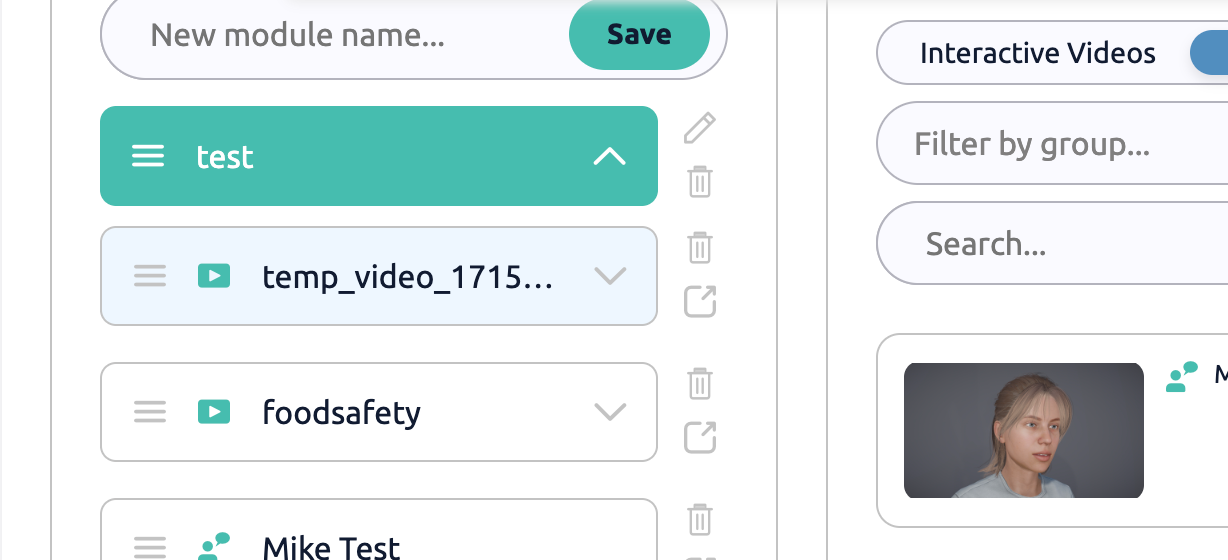
Step 6: Add other resources and start creating a module.
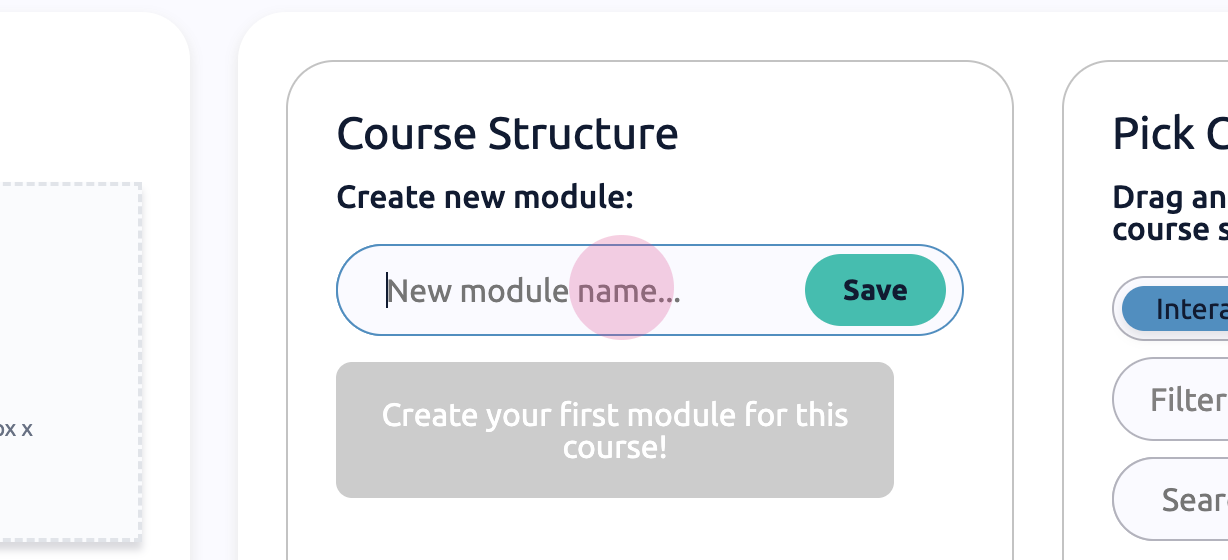
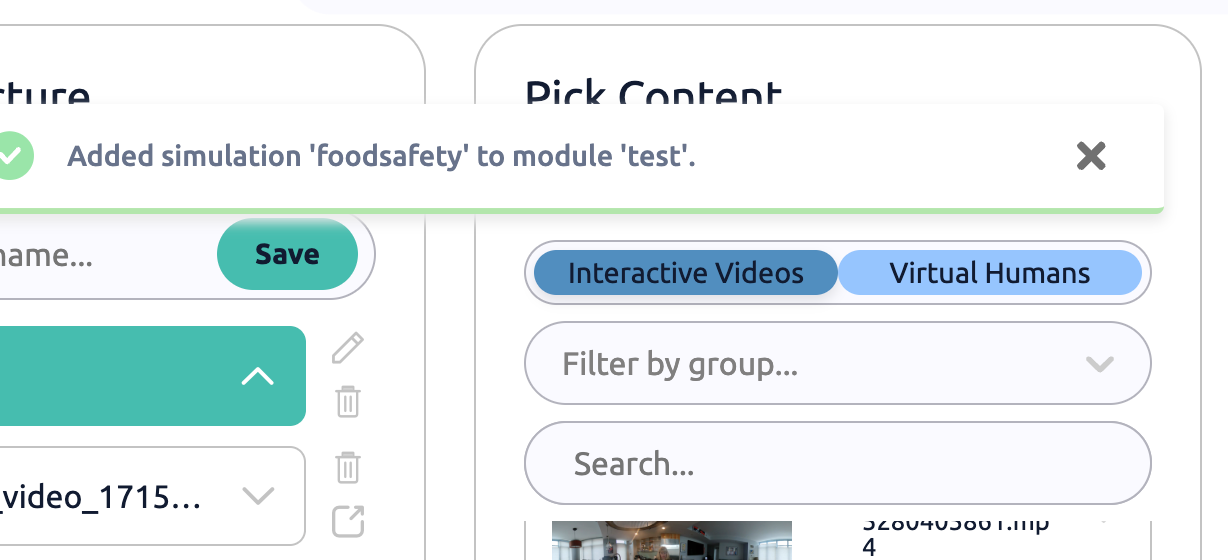
Step 7: Name the module and drag and drop the content.
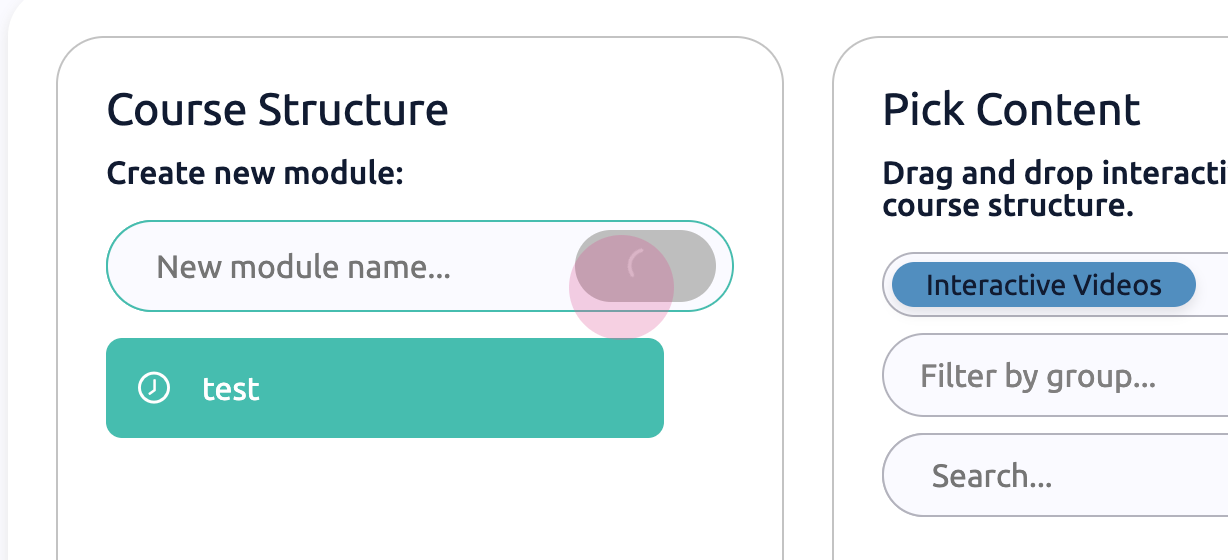
Step 8: If there are many videos, filter by groups or use the search function.
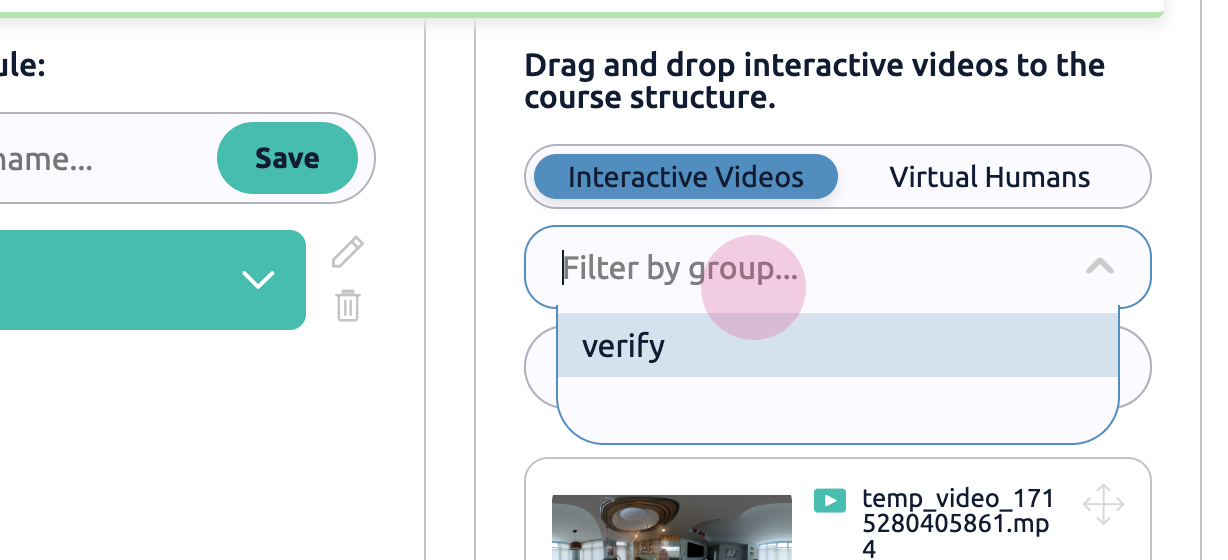
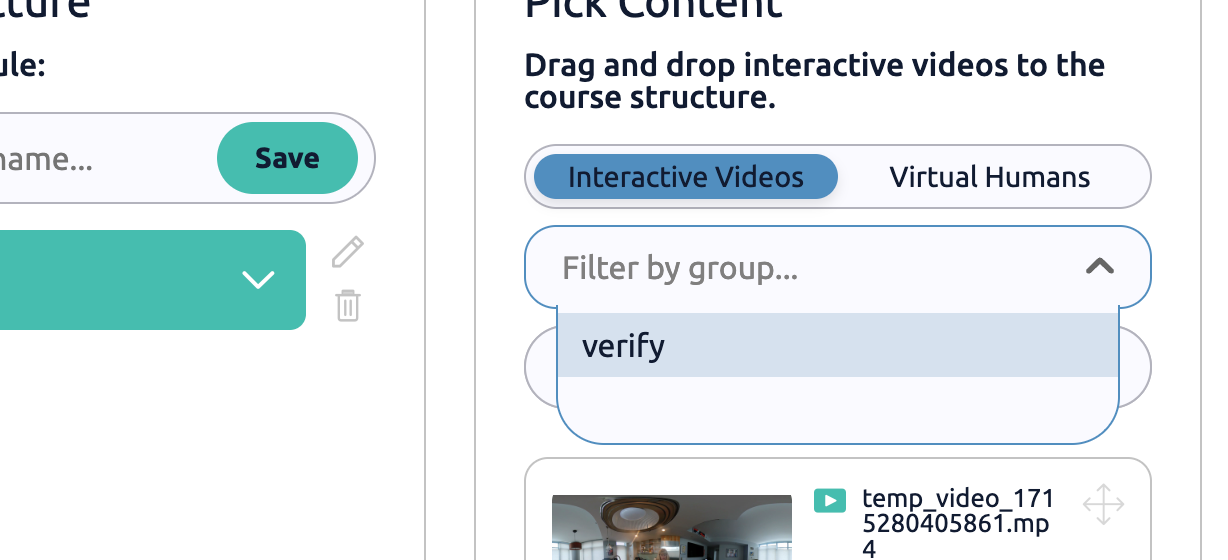
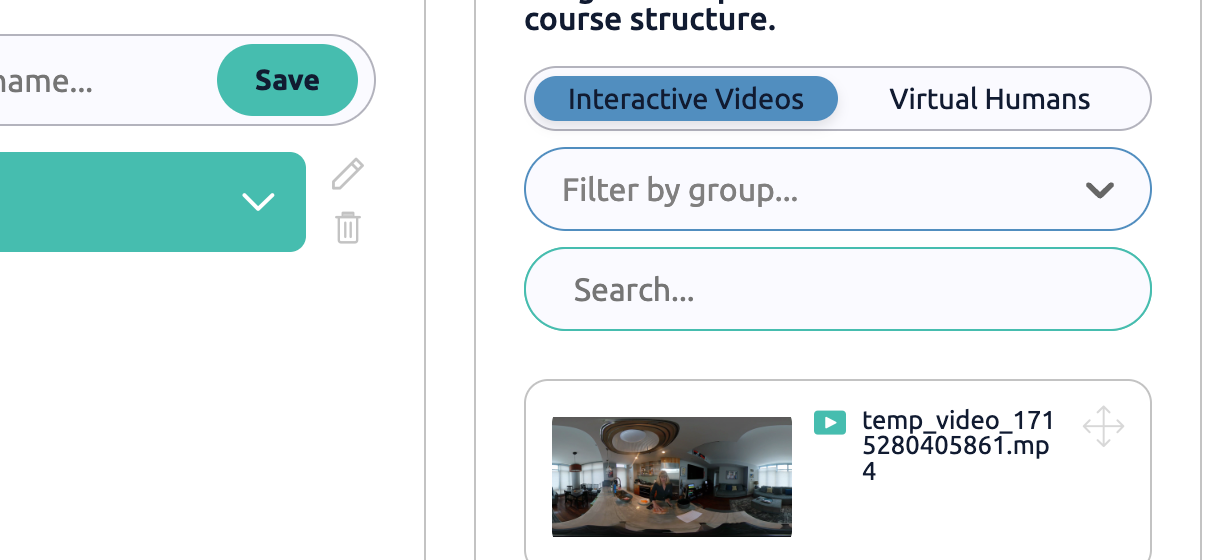
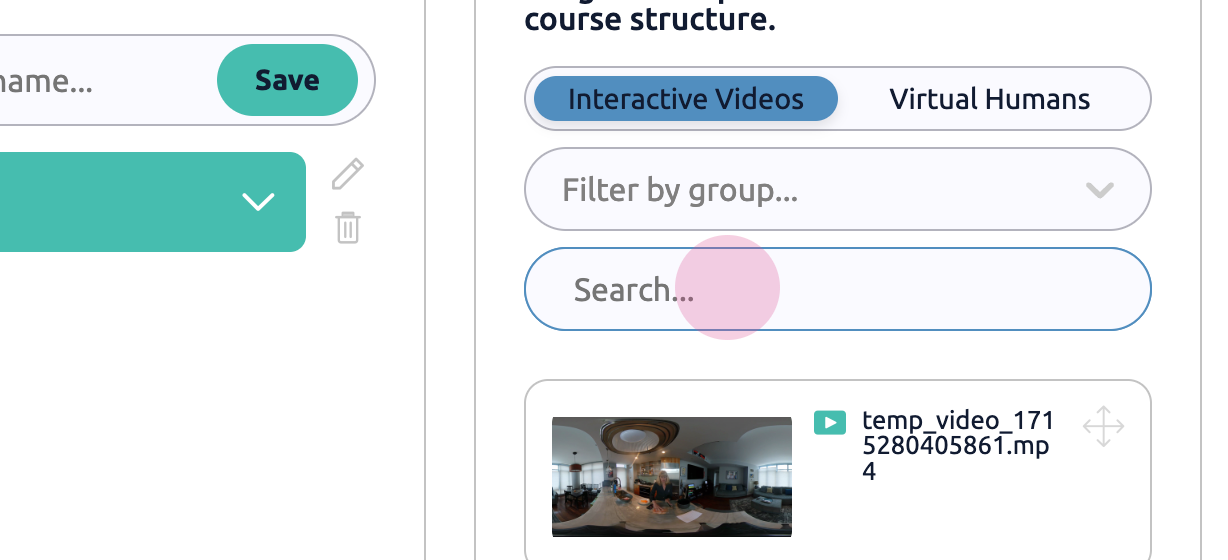
Step 9: Select the videos and arrange them in order.
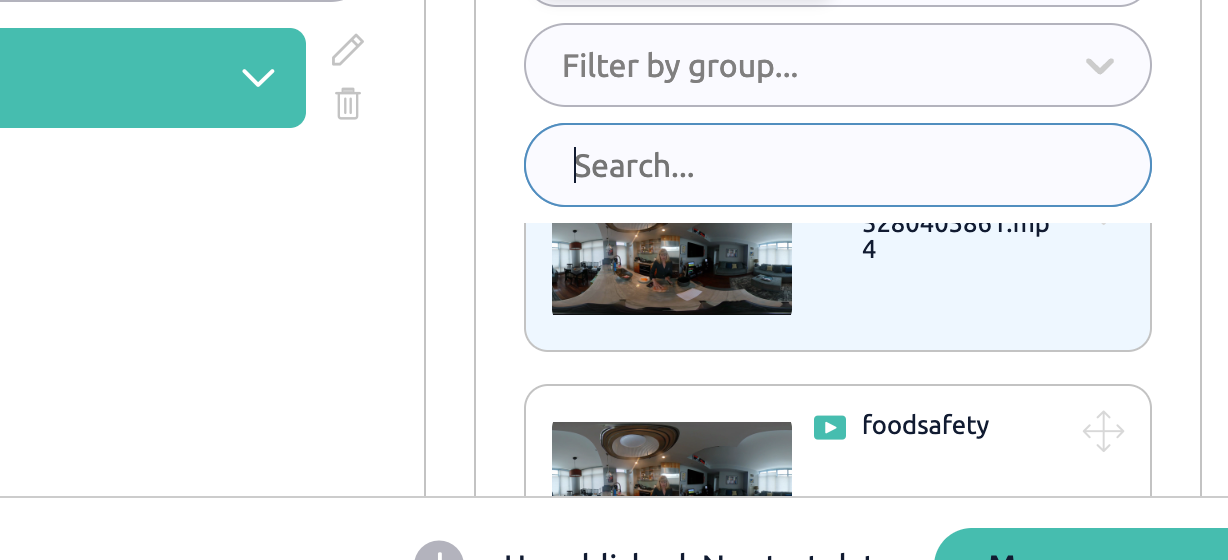
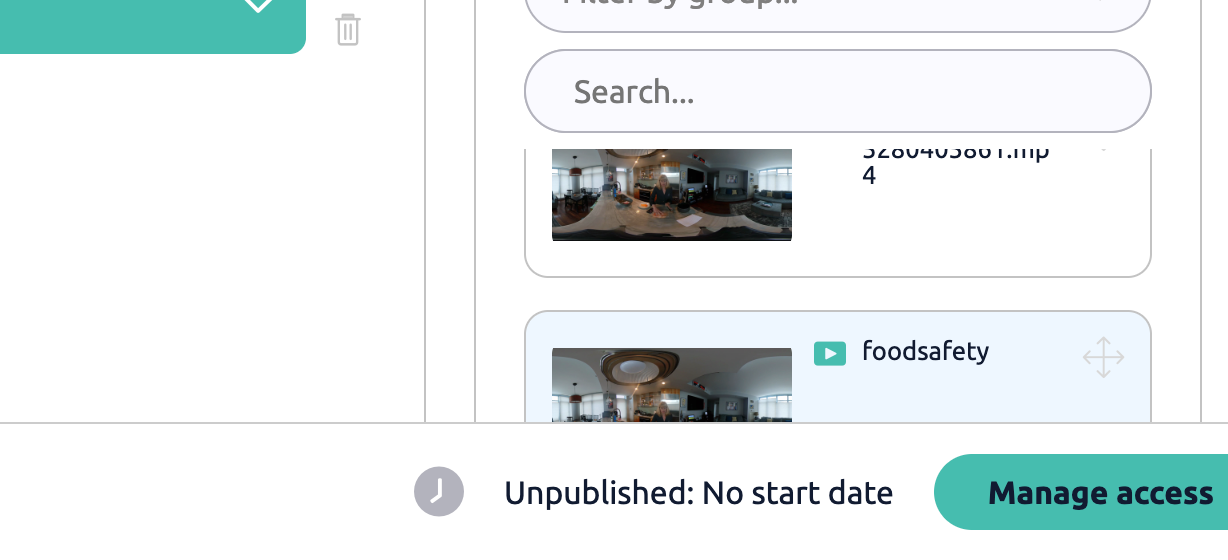
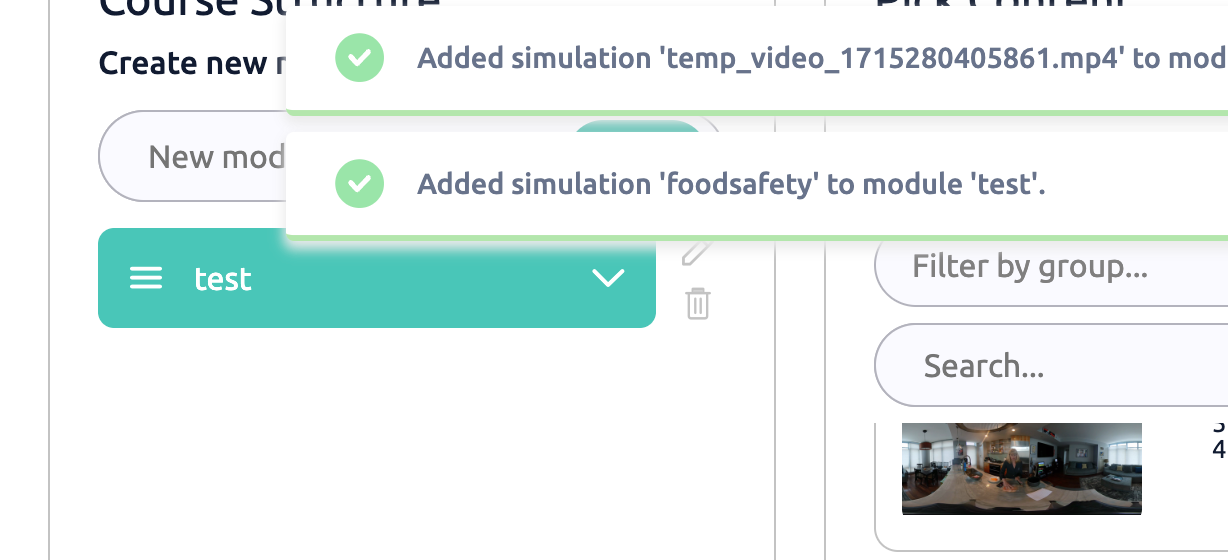
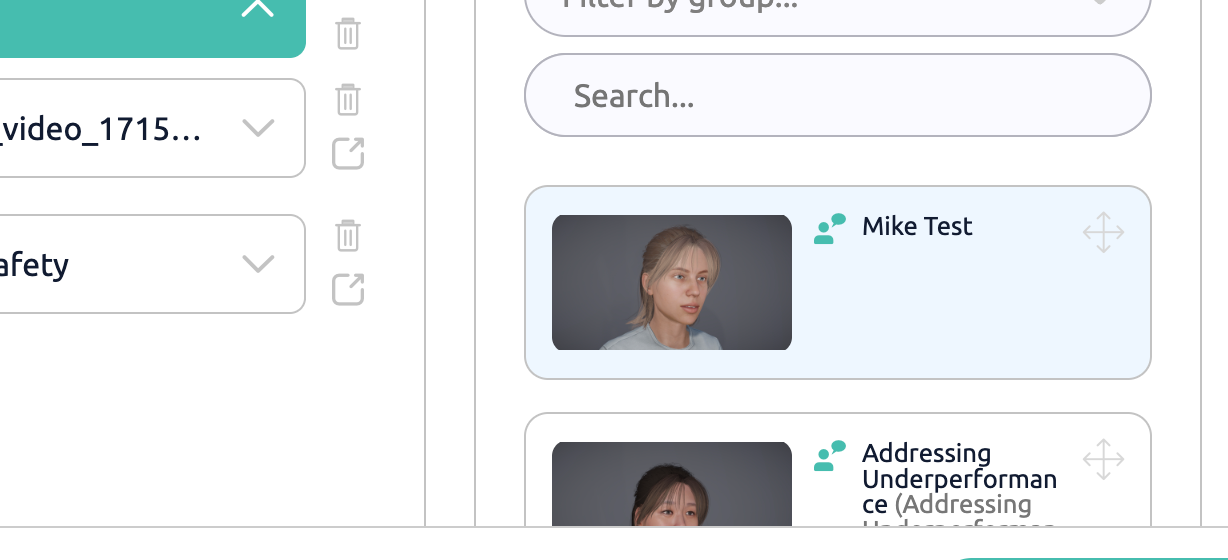
Step 10: Add a virtual human to the module.
Customizing the Module
Step 11: Customize each module as needed.
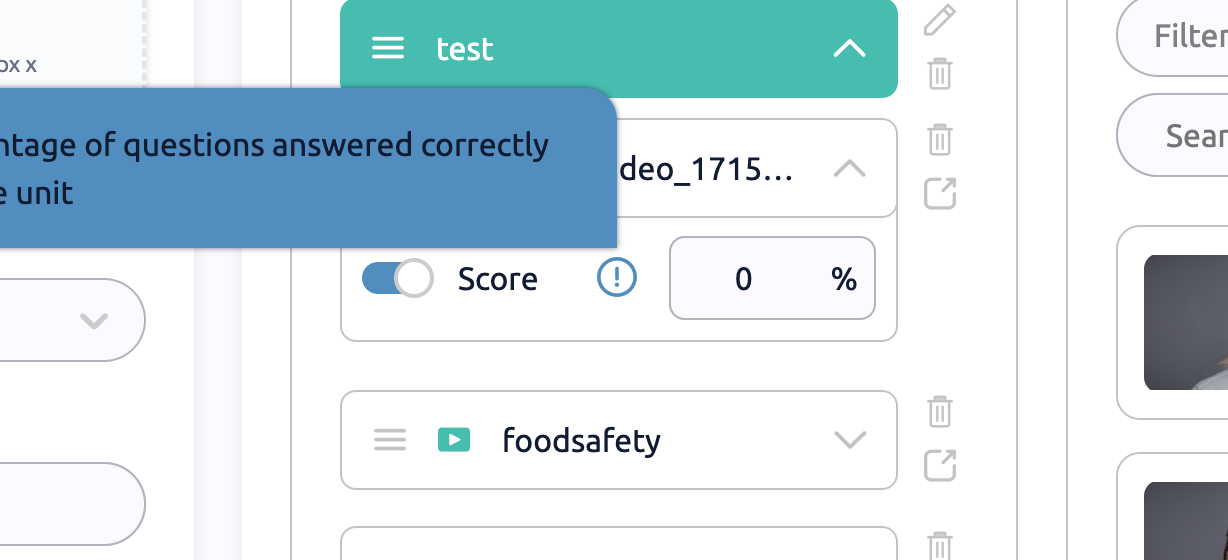
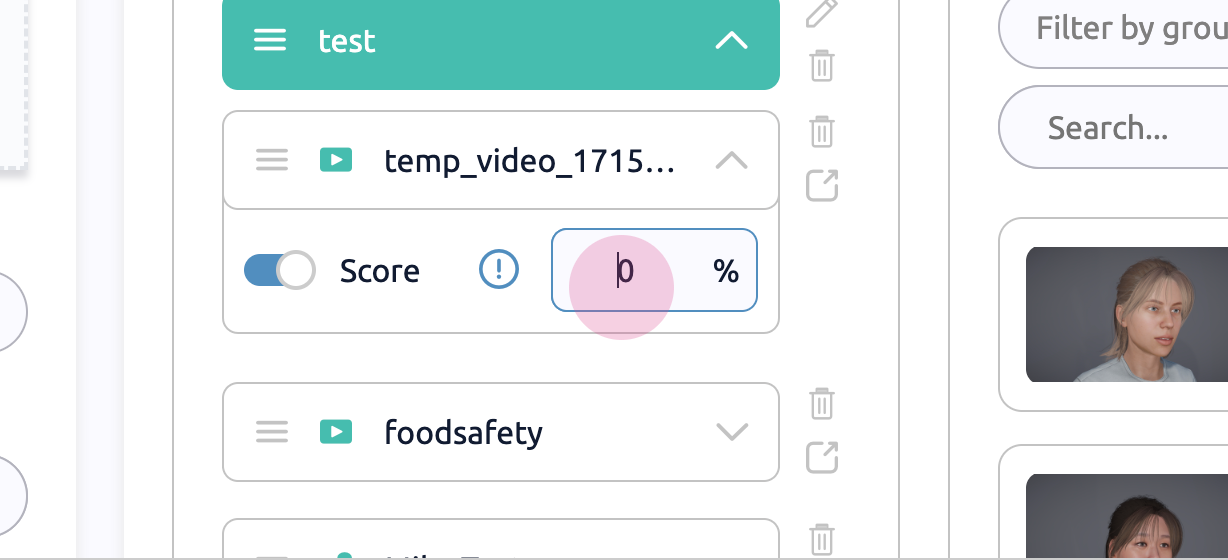
Step 12: Set a passing score for the module.
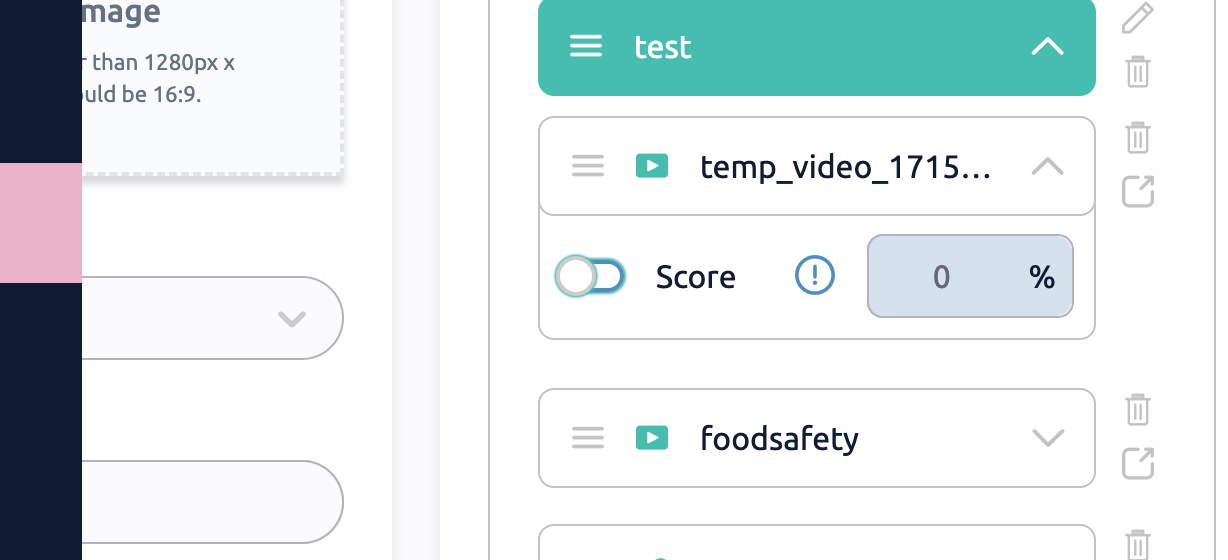
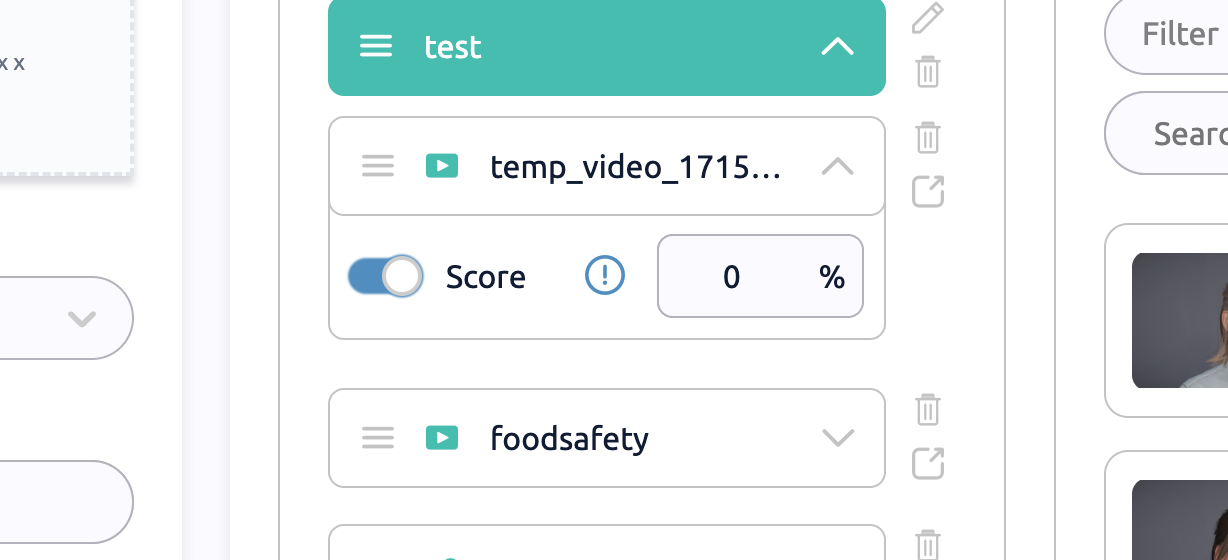
Step 13: Select the percentage of questions that must be answered correctly to pass the unit.
Managing Access
Step 14: After uploading and organizing everything, go to Manage access.
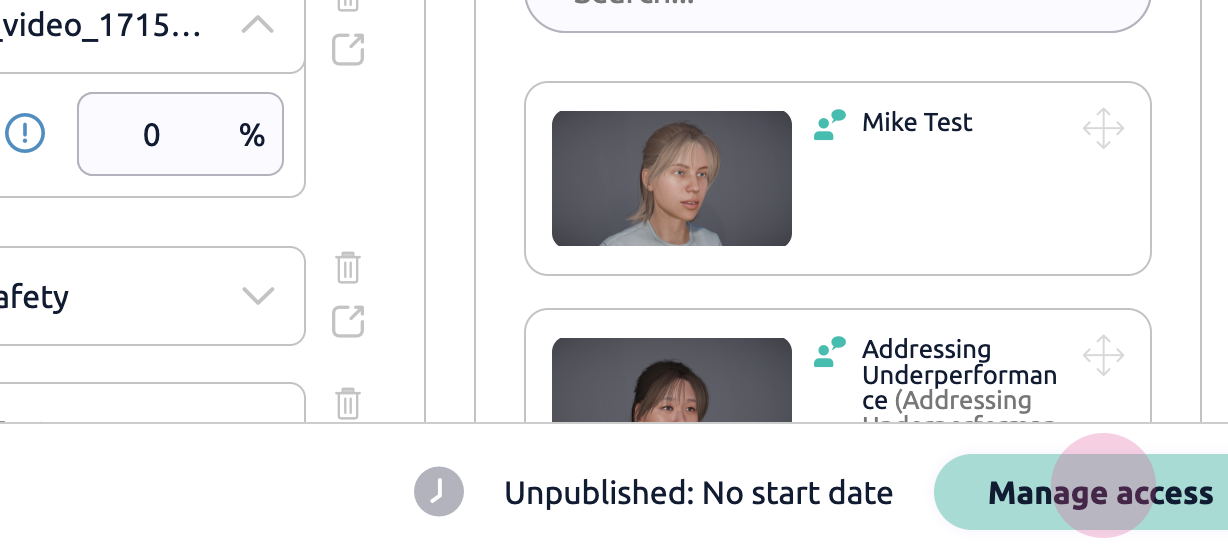
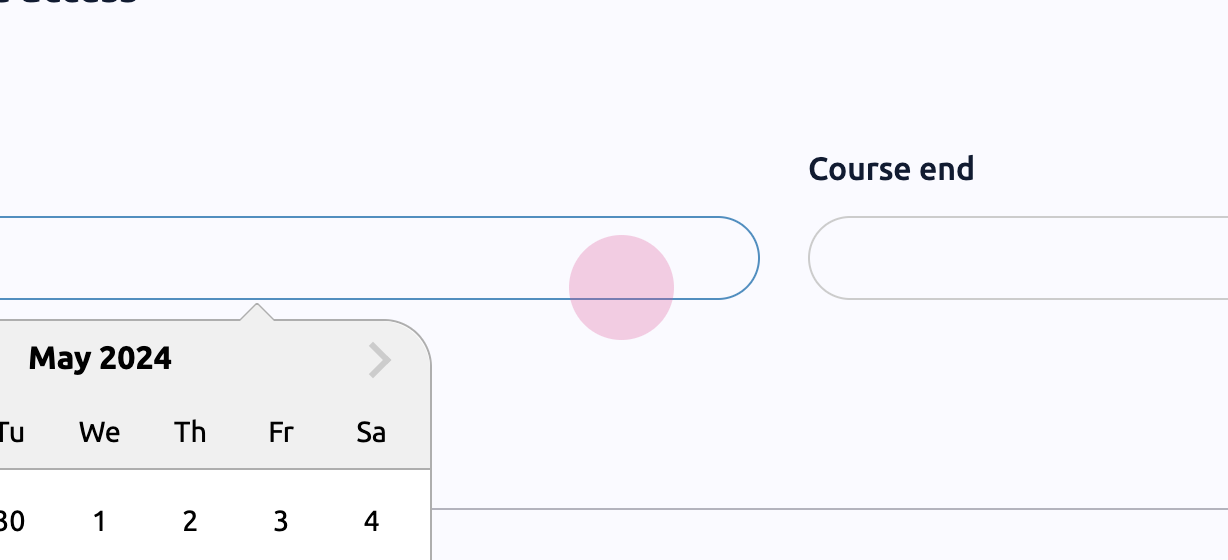
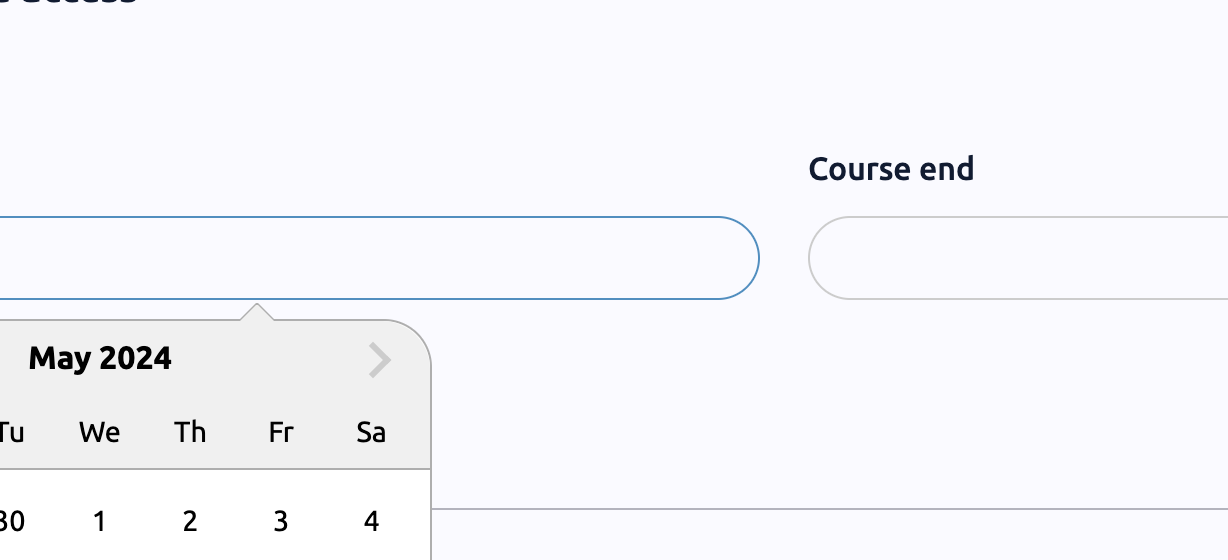
Step 15: Set a start and end date for the course.
Step 16: Add user groups and unlock all units for them. Notify users when the course is available.
Step 17: Click Save.
That's the process of building a course in Virti.
